P a g e | 3
User Guidelines – Flosense VNC 09-10-2020 Version 001
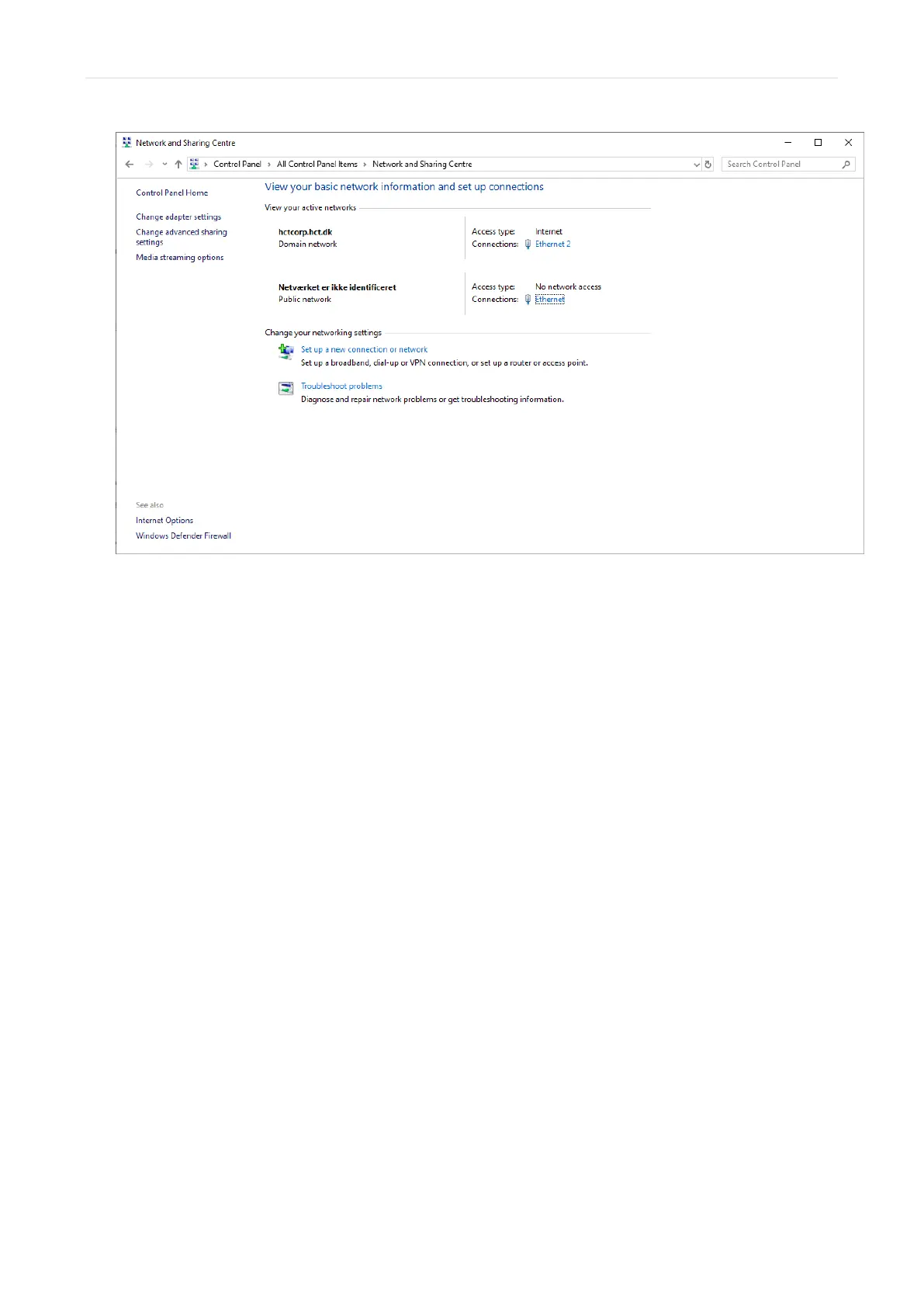
If you have multiple options and are unsure, try disconnecting the ethernet cable and see
which connection disappears. The connection that disappears should be the connection
to the Flosense display. Afterwards reconnect the ethernet cable to the Flosense display
and reboot the system.
After rebooting the system, click “Ethernet” for the Flosense unit.
This should open the “ethernet status” (or Local Area Connection status) window, seen
below. In this window, press “Properties”.



 To Next Page