EN - 149
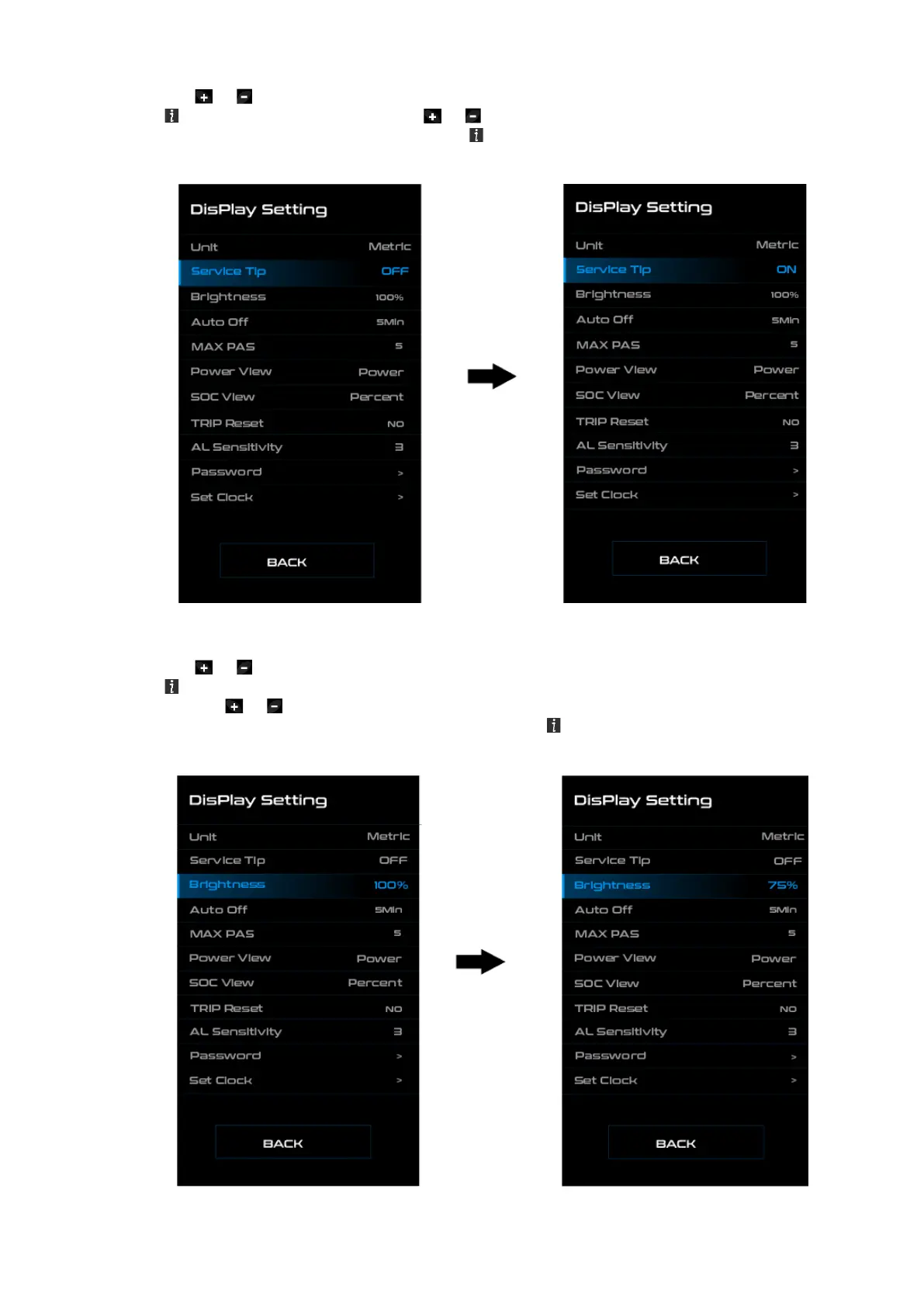
◆ “Service Tip” Switching the notification on and
Press the or (<0.5S) button to highlight “Service tip” in the Display settings menu, and then
press (<0.5S) to select. Then with the or button choose between “ON” or “OFF”. Once you
have chosen your desired selection, press the (<0.5S) button to save and exit to the "Display
setting" interface.
◆ “Brightness” Display brightness
Press the or (<0.5S) button to high- light “Brightness” in the Display settings menu. Then
press (<0.5S) to select.
Then with the or button choose between 25 % / 50 % / 75 % / 100 %.
Once you have chosen your desired selection, press the (<0.5S) button to save and exit to the
"Display setting" interface.



 To Next Page