EN - 159
◆ Language
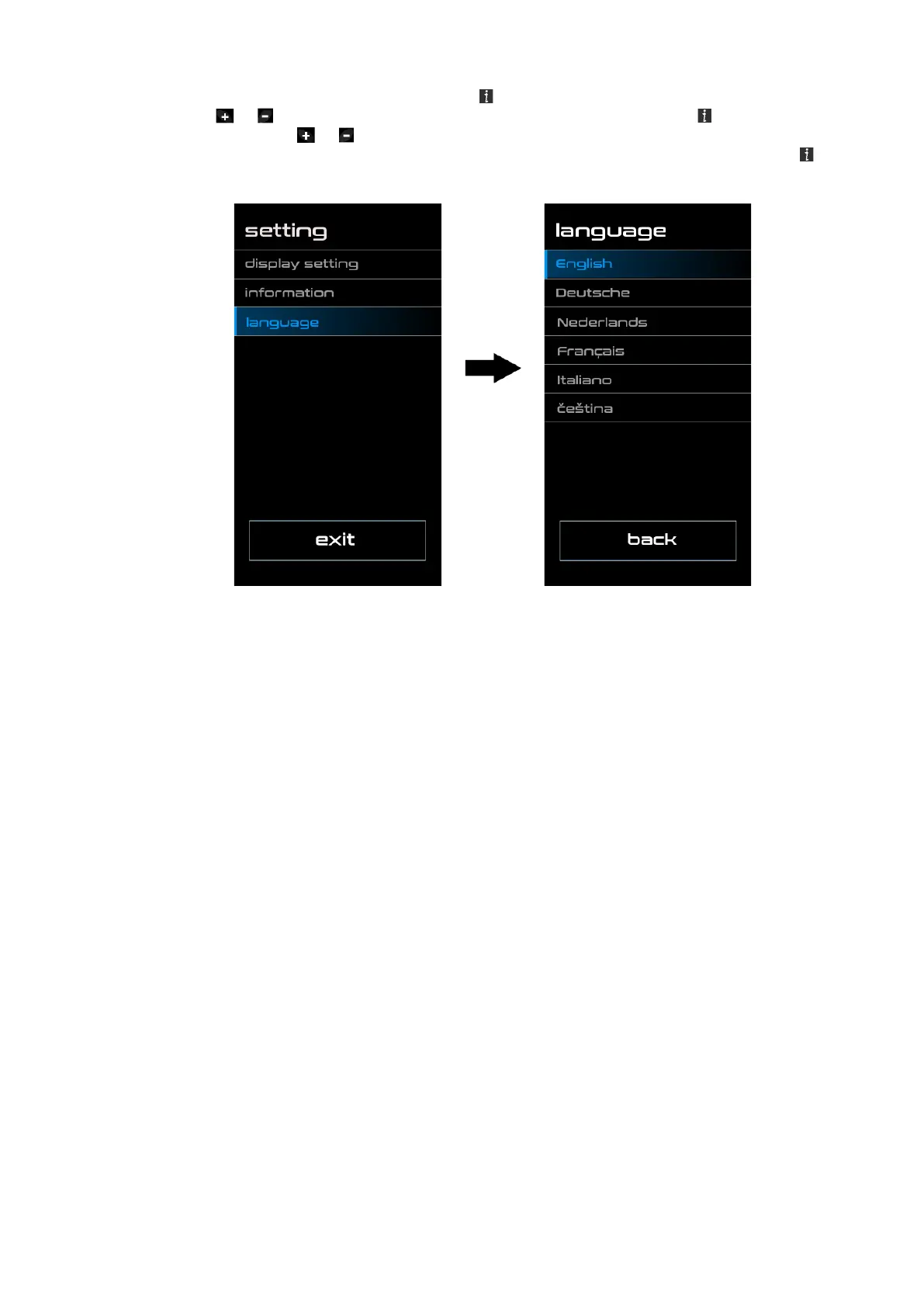
Once the system is turned on, double press the button to access the „Setting“ menu Now by
pressing the or (<,5S) button to highlight the „Language“ and press the (<,5S) button to
confirm. Now press the or (<,5S) button to select „English“, „Deutsche“, „Nederlands“,
„Francais“, „Italiano“ or „Čeština“, Once you have chosen you desired selection, press the (<,5S)
button to save, then select „Back“ to return to the setting interface.



 To Next Page