EN - 166
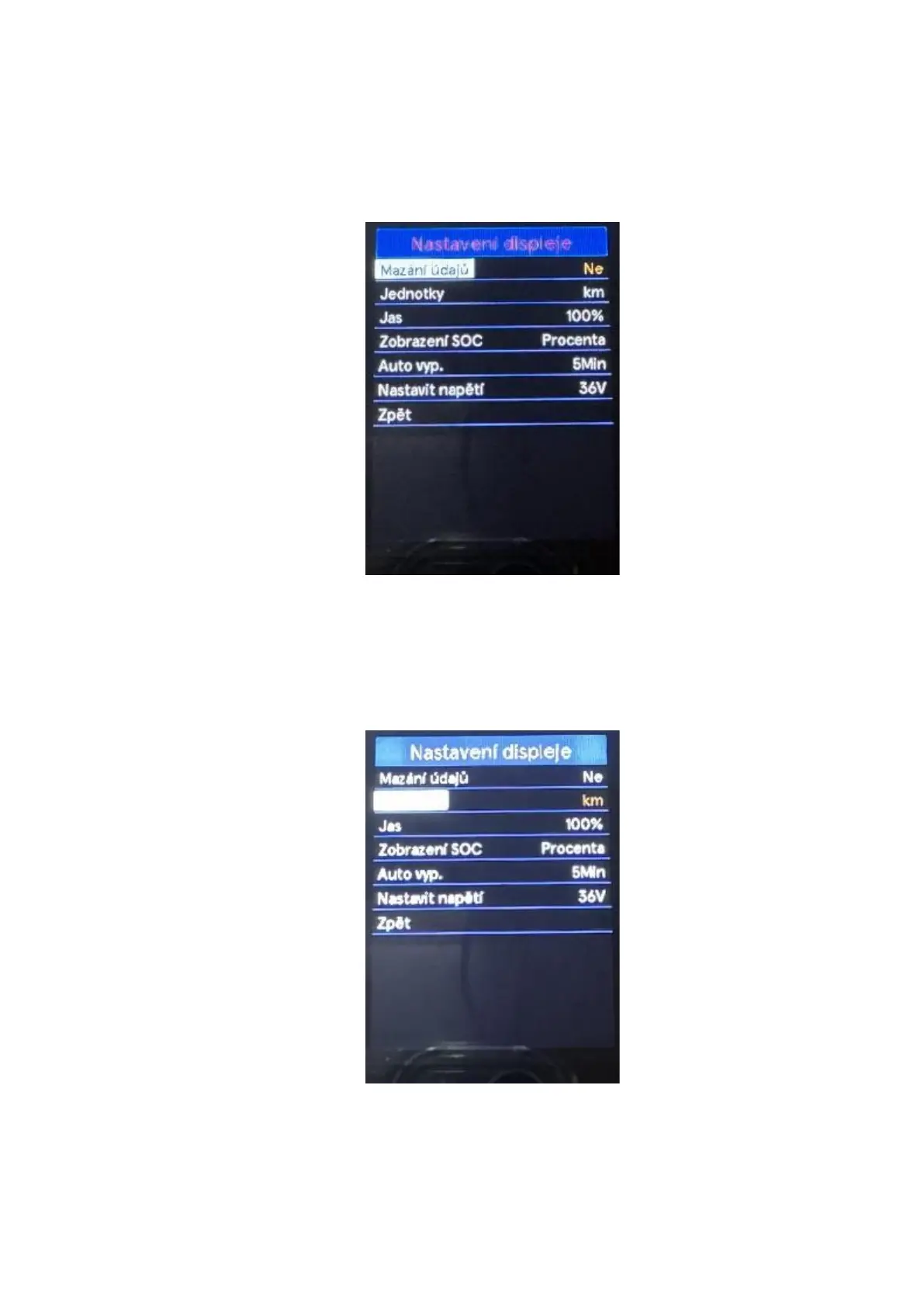
◆ Trip reset
Use the "+" or "-" buttons to select a Trip reset menu by pressing the "i" button confirm the option
and enter the menu for deleting the data of the last trip. Use the "+" or "-" buttons to select Yes or
No. Selecting Yes will delete the distance travelled along with the maximum / average speed and
duration of the trip. Press the "i" button to save the setting change. To return to the main interface,
press and hold the "i" button or select Back in the menu press the "i" button again to confirm the
selection.
◆ "Unit" setting
Use the "+" or "-" buttons to select a menu Units, by pressing the "i" button confirm the option and
enter the unit settings menu. The default units setting is "Metric" (km).
To switch units, press the "+" or "-" button, choose the desired units. Press the "i" button to save
the setting change. To return to the main interface, press and hold the "i" button or select Back in
the menu press the "i" button again to confirm the selection.



 To Next Page