EN - 167
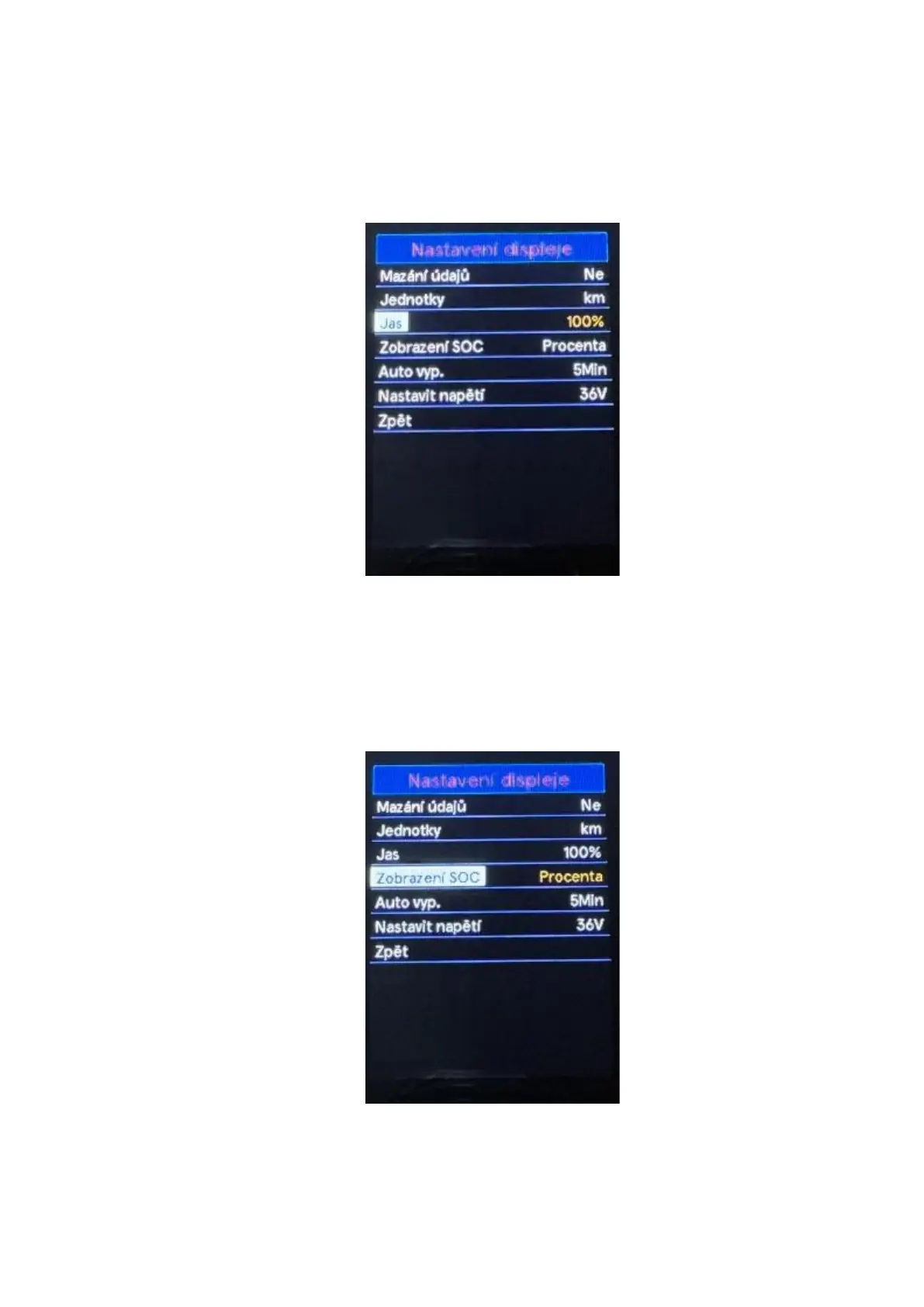
◆ Brightness
Use the "+" or "-" buttons to select the Brightness by pressing the "i" button confirm the option and
enter the brightness setting menu. The default brightness level setting is 100%. By pressing the "+"
button or "- " select the desired value 100% / 75% / 50% / 30% / 15%. 100% indicates the highest
brightness, 15% the lowest brightness. Press the "i" button to save the setting change. To return to
the main interface, press and hold the "i" button or select Back in the menu press the "i" button
again to confirm the selection.
◆ SOC View
Use the "+" or "-" buttons to select the SOC View by pressing the "i" button confirm the option and
enter the battery level display mode setting menu. The default setting for displaying the battery
level is percentage. With the "+" or "-" buttons you can choose between displaying the voltage
value or percentages. Press the "i" button to save the setting change. To return to the main
interface, press and hold the "i" button or select Back in the menu press the "i" button again to
confirm the selection.



 To Next Page