EN - 173
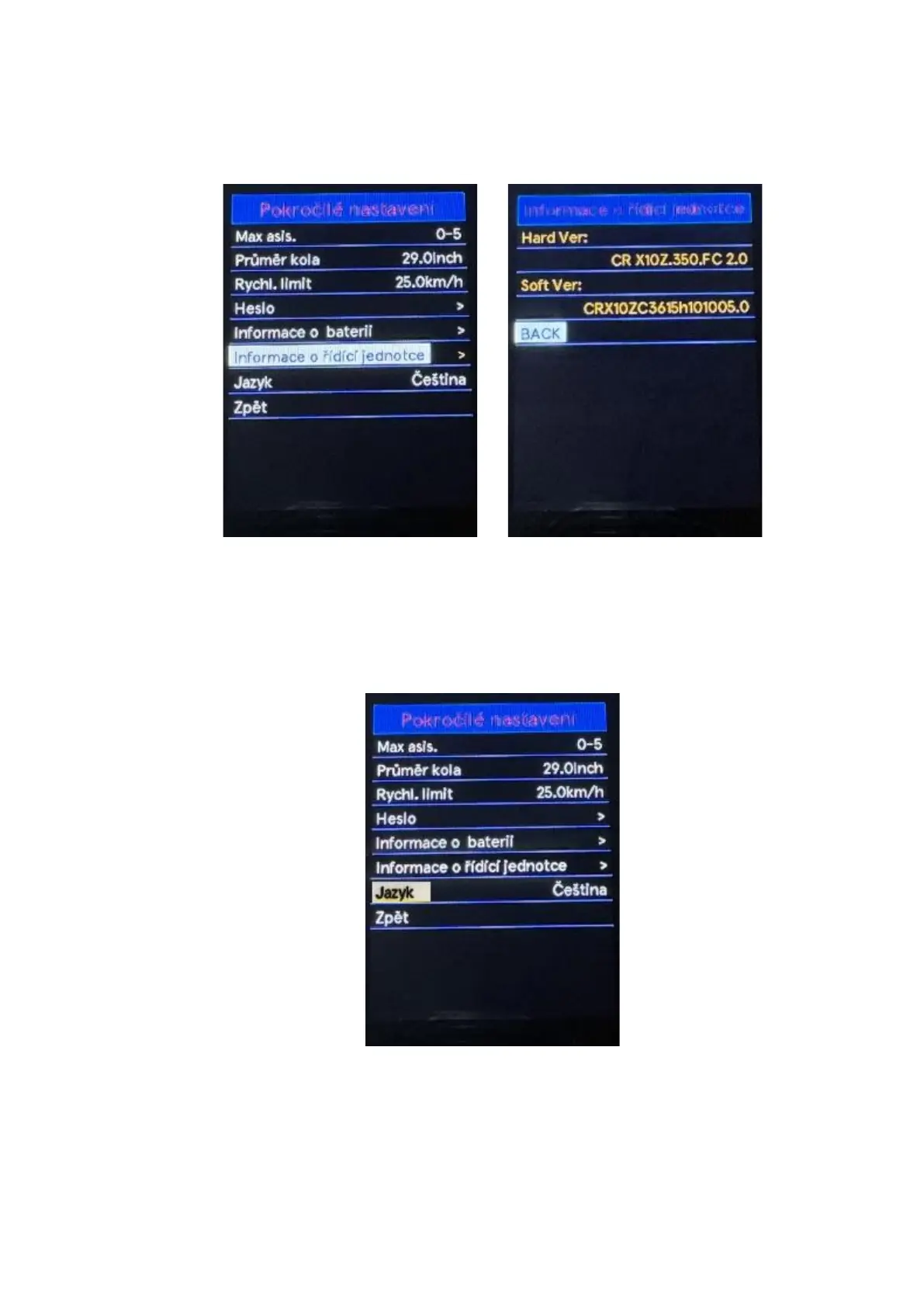
◆ Controller info
Use the "+" or "-" buttons to select the Clr info, by pressing the "i" button confirm the option and
information about the control unit and software version will be displayed. To return to the main
interface, press and hold the "i" button or select Back in the menu press the "i" button again to
confirm the selection.
◆ Language
Use the "+" or "-" buttons to select the Language by pressing the "i" button confirm the option and
enter the language settings menu. Use the "+" or "-" buttons to select the desired language. To
save the change of selected language press the "i" button. To return to the main interface, press
and hold the "i" button or select Back in the menu press the "i" button again to confirm the
selection.



 To Next Page