5.11.1 25
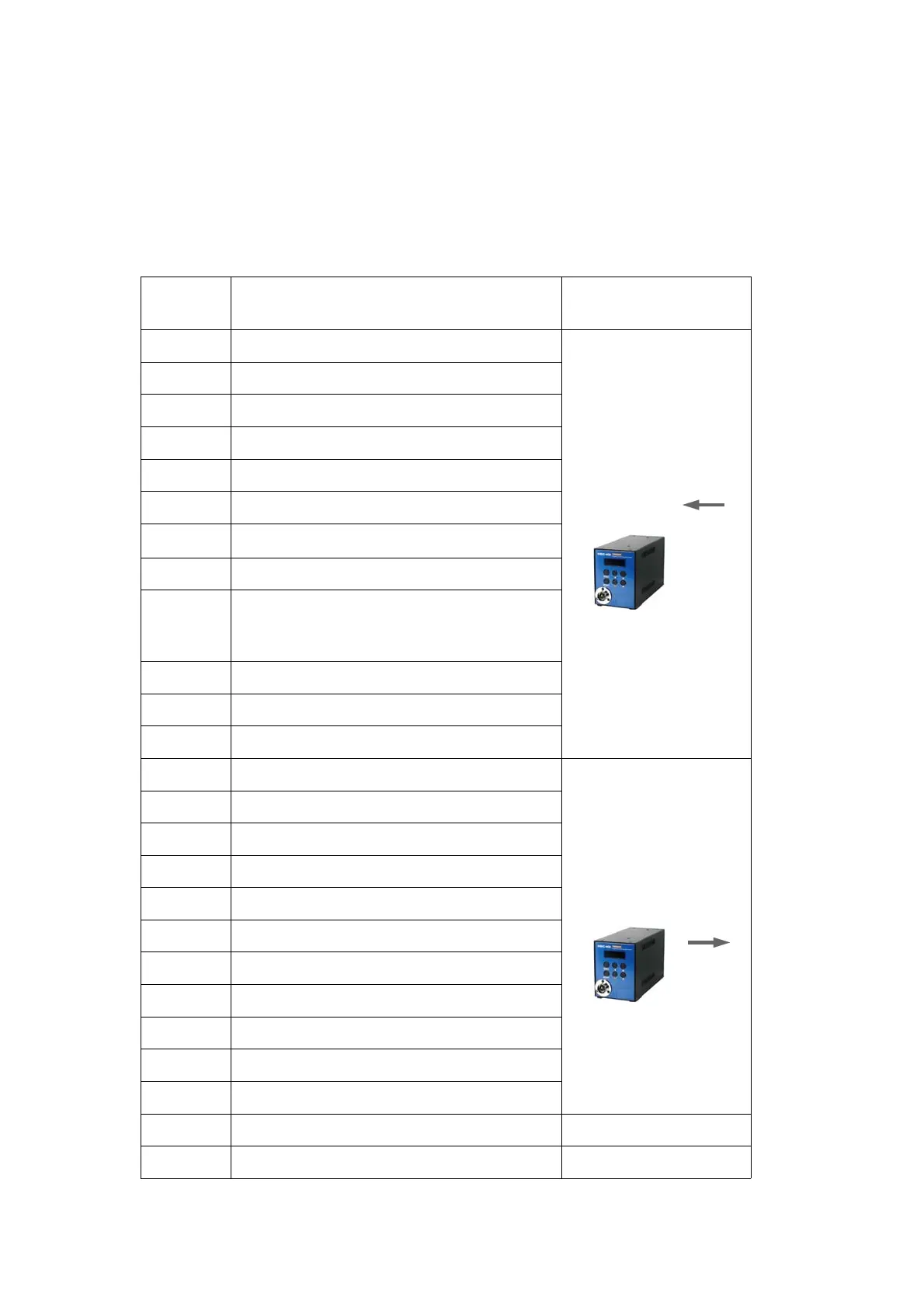
PIN I/O configuration
(
Ⅰ
)-
for Preset
#
selecting by sensors
[
P64 Setting
]"0":
Torque selector by Sensor
PIN no. Configuration IN
/
OUT
1
Torque select IN1
INPUT
(
to Controller)
2
Torque select IN2
3
Torque select IN3
4
Torque select IN4
5
Torque select IN5
6
Torque select IN6
7
Torque select IN7
8
Torque select IN8
9
Reset
(
include cycle reset
)
or Work-piece move OUT from area
(
P76
"3"
selected
)
19
Work-piece move IN to area
23 x
24 x
10
Status of torque select OUT1
OUTPUT
(
from controller)
11
Status of torque select OUT2
12
Status of torque select OUT3
13
Status of torque select OUT4
14
Status of torque select OUT5
15
Status of torque select OUT6
16
Status of torque select OUT7
17
Status of torque select OUT8
18
ALARM
(
NG)
20
Cycle count complete
25
Fastening OK OUT
21
Output COM
22
Input COM
Mountz Inc - The Torque Tools Specialists - www.mountztorque.com
1080 N 11th St - San Jose CA 95112
408.292.2214


 To Next Page
 Loading...