11
EN
2. Add Device
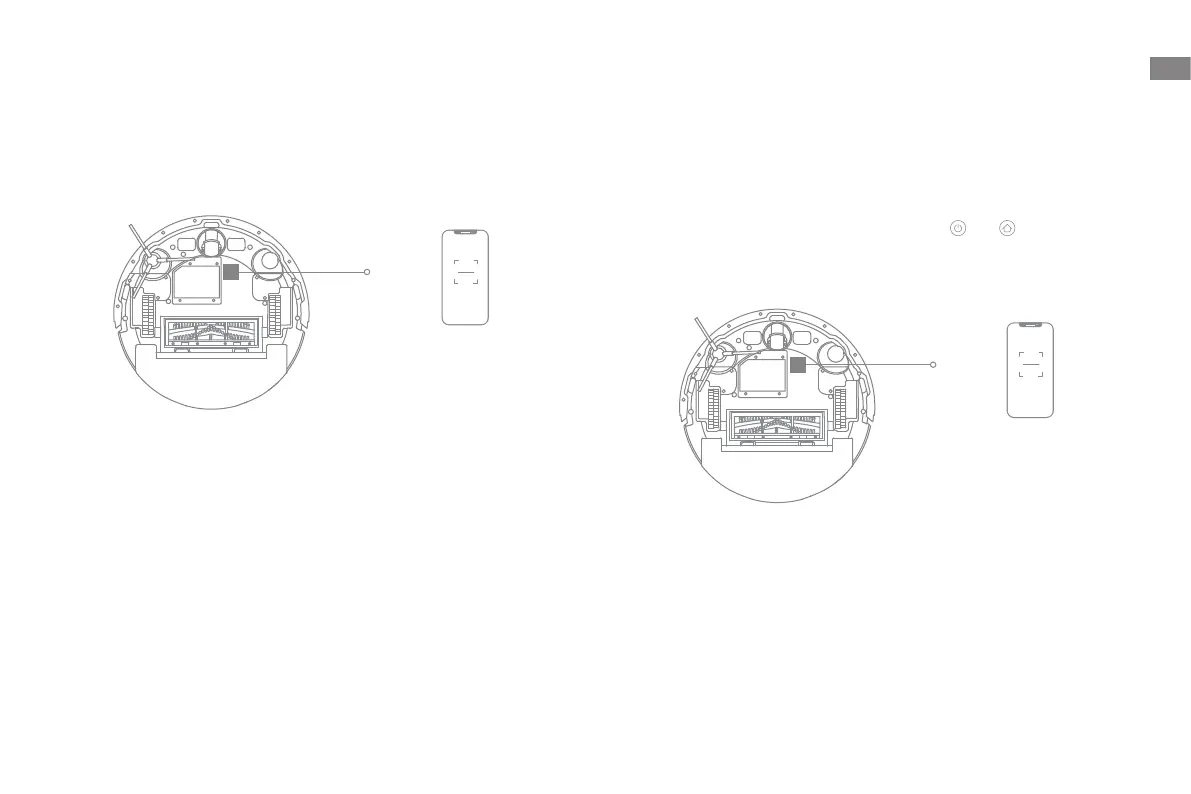
Open the app, tap "Scan QR code to connect", and scan the same QR code on
the robot again to add the device. Please follow the prompts to finish the Wi-Fi
connection.
Note: If you want to reset Wi-Fi, press and hold the and button for
3 seconds or repeat step 2 and then follow the prompts to finish the Wi-Fi
connection.
Connecting with the MOVAhome App
1. Download the App
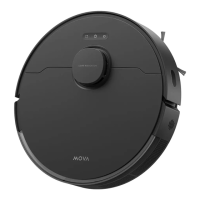
Scan the QR code on the robot to download and install the app.
QR Code
QR Code
Note:
· Only 2.4 GHz Wi-Fi is supported.
· Due to upgrades in the app software, the actual operations may differ from
the directions in this manual. Please follow the instructions based on the
current app version.


 To Next Page