3
MOVADO BOLD MOTION USER GUIDE
WATCH VIEWS
Press the watch button once to change to the next
watch view in the sequence. The views display in
the following order: analog view, digital time view,
progress tracker view, digital battery view, Bluetooth
view. After five seconds of inactivity in any view, the
watch returns to analog view.
Analog view
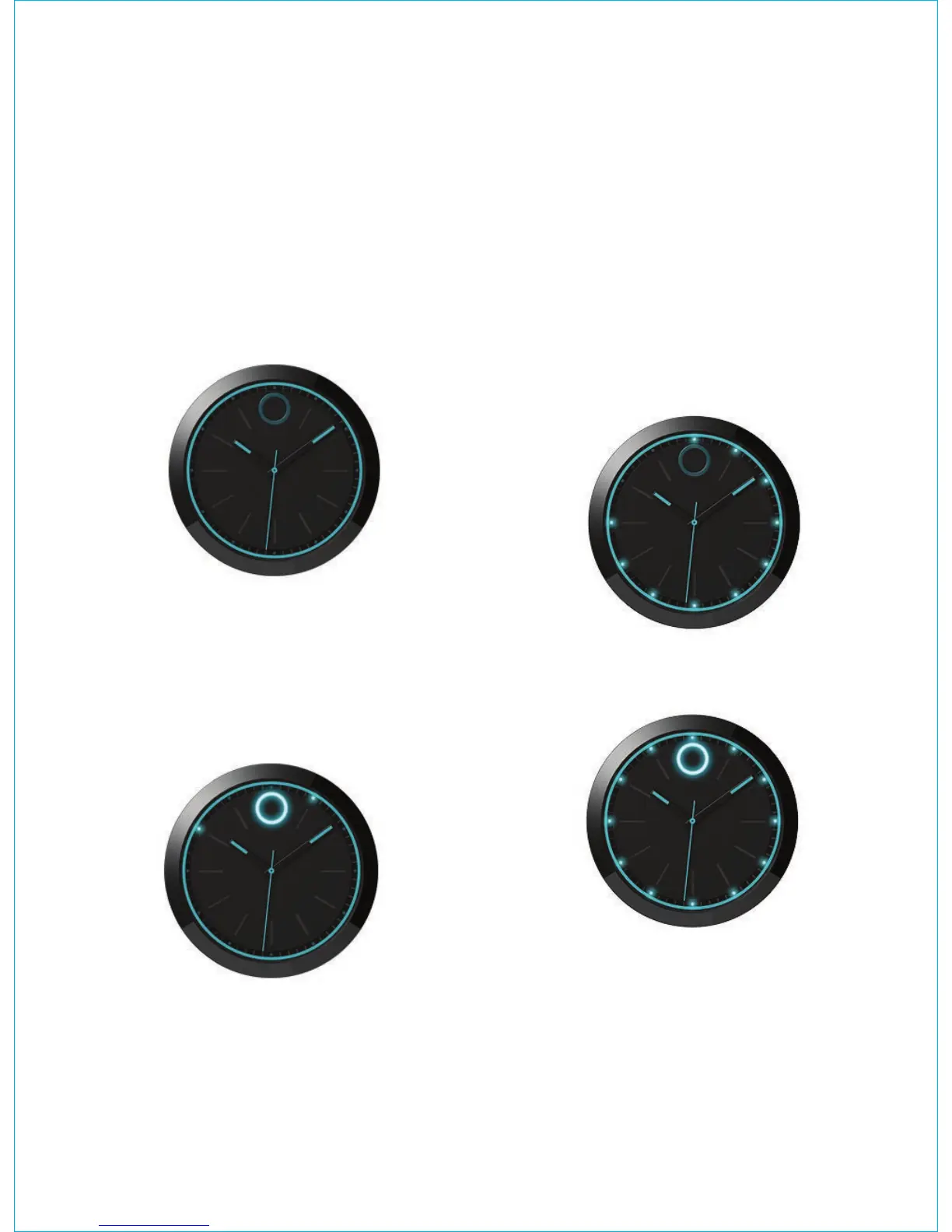
In ANALOG VIEW, no lights are illuminated. This is the
default view on your watch.
Digital time view
From ANALOG VIEW, press the watch button once to
see DIGITAL TIME VIEW. In DIGITAL TIME VIEW, the
lights illuminate to show the current time as determined
by the phone app. The Movado dot and the hour light
illuminate. The minute light pulses.
For example, at 10:09, the 10 o’clock light illuminates
and the 1 o’clock light illuminates and then quickly pulses
four times to let you know it is four minutes past 10:05. At
10:10, the 10 o’clock light illuminates and the 2 o’clock
light illuminates and does not pulse to let you know it is
exactly on the minute.
If the hour and minute are represented by the same light,
the light illuminates and then slowly pulses once. If it is
exactly on the minute (for example, 10:50), it does not
pulse again. Otherwise, it quickly pulses the number of
minutes past the marker. At 10:51, the 10 o’clock light
illuminates, slowly pulses once, and then quickly pulses
once.
Progress tracker view
From ANALOG VIEW, press the watch button twice
to see PROGRESS TRACKER VIEW. In PROGRESS
TRACKER VIEW, the lights illuminate clockwise to
indicate your progress toward your daily step goal.
For example, when ten lights illuminate, you have reached
75% of your goal.
When all twelve lights illuminate, you have reached your
goal.









 To Next Page