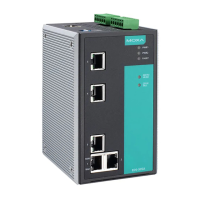
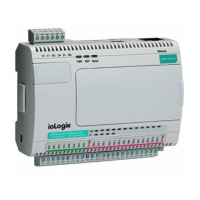
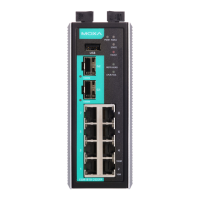
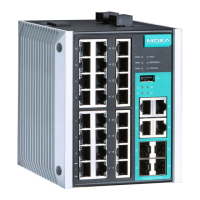
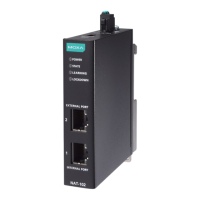
Moxa E Series Managed Ethernet Switch Getting Started
Disabling Telnet and Browser Access
If you are connecting the Moxa switch to a public network but do not intend to manage it over the network, we
suggest disabling both the Telnet and web consoles. This is done from the USB console by navigating to
System Identification under Basic Settings. Disable or enable the Telnet Console and Web
Configuration as shown below:


 To Next Page