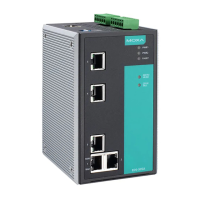
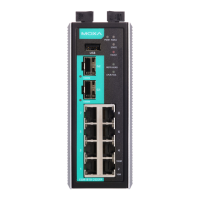
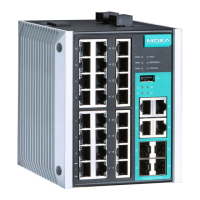
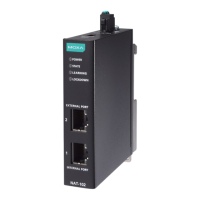
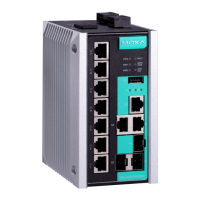
Moxa E Series Managed Ethernet Switch Featured Functions
2. Input the firmware file name (*.rom) and press the Upgrade button
Auto-Backup-Configurator(ABC-02)
1. Download the updated firmware (*.rom) file from Moxa’s website (www.moxa.com).
2. Save the file to ABC-02’s Moxa folder. The file name can’t be longer than 8 characters and make sure the
extension file name is (.rom)
3. Browse the firmware from ABC-02 and press the Upgrade button
Configuration Backup and Restore
Moxa switch supports 3 ways to backup and restore configuration file to/from local database, remote TFTP
server, and Auto-backup-configurator(ABC-02).
Local
1. Click Backup button to backup the configuration file to local database
2. Browse the configuration file from local database and press the Restore button
TFTP Server
1. Enter the TFTP Serve IP
2. Input the backup/restore file name(support up to 54 characters includes .ini) and then press the
Backup/Restore button


 To Next Page