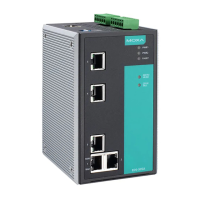
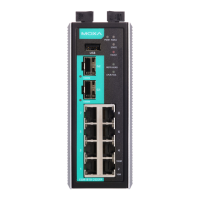
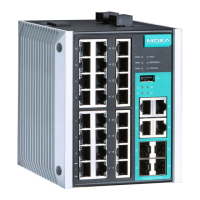
Moxa E Series Managed Ethernet Switch Featured Functions
Management Interface
Enable HTTP
Setting Description Factory Default
Select/Deselect Checkmark the appropriate check boxes to enable HTTP. Select
Port: 80
Enable SSL
Setting Description Factory Default
Select/Deselect Checkmark the appropriate check boxes to enable SSL. Select
Port: 443
Enable Telnet
Setting Description Factory Default
Select/Deselect Checkmark the appropriate check boxes to enable Telnet Select
Port: 23
Enable SSH
Setting Description Factory Default
Select/Deselect Checkmark the appropriate check boxes to enable SSH Select
Port: 5
Web Auto Logout (min)
Setting Description Factory Default
Integer Sets the web auto logout period 5


 To Next Page