- 10 -
2
PIN Definition
10/100BaseT(X) Ethernet Port Connection
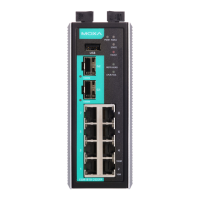
The 10/100BaseT(X) ports located on the EDR-8010 Series front panel
are used to connect to Ethernet-enabled devices. Most users will choose
to configure these ports for Auto MDI/MDI-X mode, in which case the
port’s pinouts are adjusted automatically depending on the type of
Ethernet cable used (straight-through or cross-over), and the type of
device (NIC-type or HUB/Switch-type) connected to the port. No matter
which case you are connecting, we share pinouts for both MDI (NIC-
type) ports and MDI-X (HUB/Switch-type) ports.
10/100Base T(x) RJ45 Pinouts
The Reset Button
Using a pointed object such as a straightened paperclip or toothpick,
depress the Reset button for five seconds to load the factory default
settings. When pressing down, the STATE LED will start to blink about
once per second. Continue to depress until the STATE LED begins
blinking more quickly, indicating that the device is resetting and you
can release.
DO NOT power off the device when loading default settings.
LED Indicators
The front panel of the EDR-8010 Series has several LED indicators. The
function of each LED is described in the following table:


 To Next Page
 Loading...