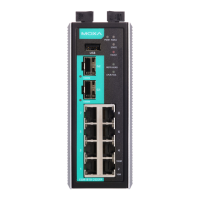
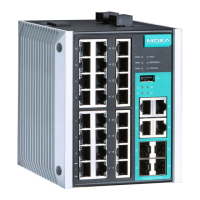
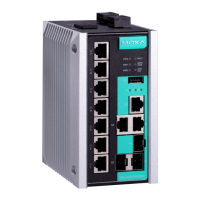
- 6 -
Suggested Installation Method
the upper lip of the DIN-rail
onto the mounting rail.
:
EDR-8010 Series
towards
the mounting rail until it snaps into
place.
Suggested Removal Method
STEP 1:
Pull down the latch on the DIN
-rail
:
EDR-8010 Series
it up to remove it
Wall Mounting
For some applications, you will find it convenient to mount the EDR-
8010 Series on the wall, as shown in the following illustrations.
STEP 1: Remove the aluminum DIN-rail attachment plate from the rear
panel of the EDR-8010 Series, and then attach both the wall-mounting
plates with four screws (M3 x 5 mm).


 To Next Page
 Loading...