MGate MB3000 Modbus Gateway User Manual
Starting MGate Manager
MGate Manager is a Windows-based utility that is used to configure the MGate MB3000.
Before running MGate Manager, make sure that your PC and the MGate MB3000 are connected to the same
network. Alternatively, the MGate MB3000 may be connected directly to the PC for configuration purposes.
Please refer to Chapter 2 for more details.
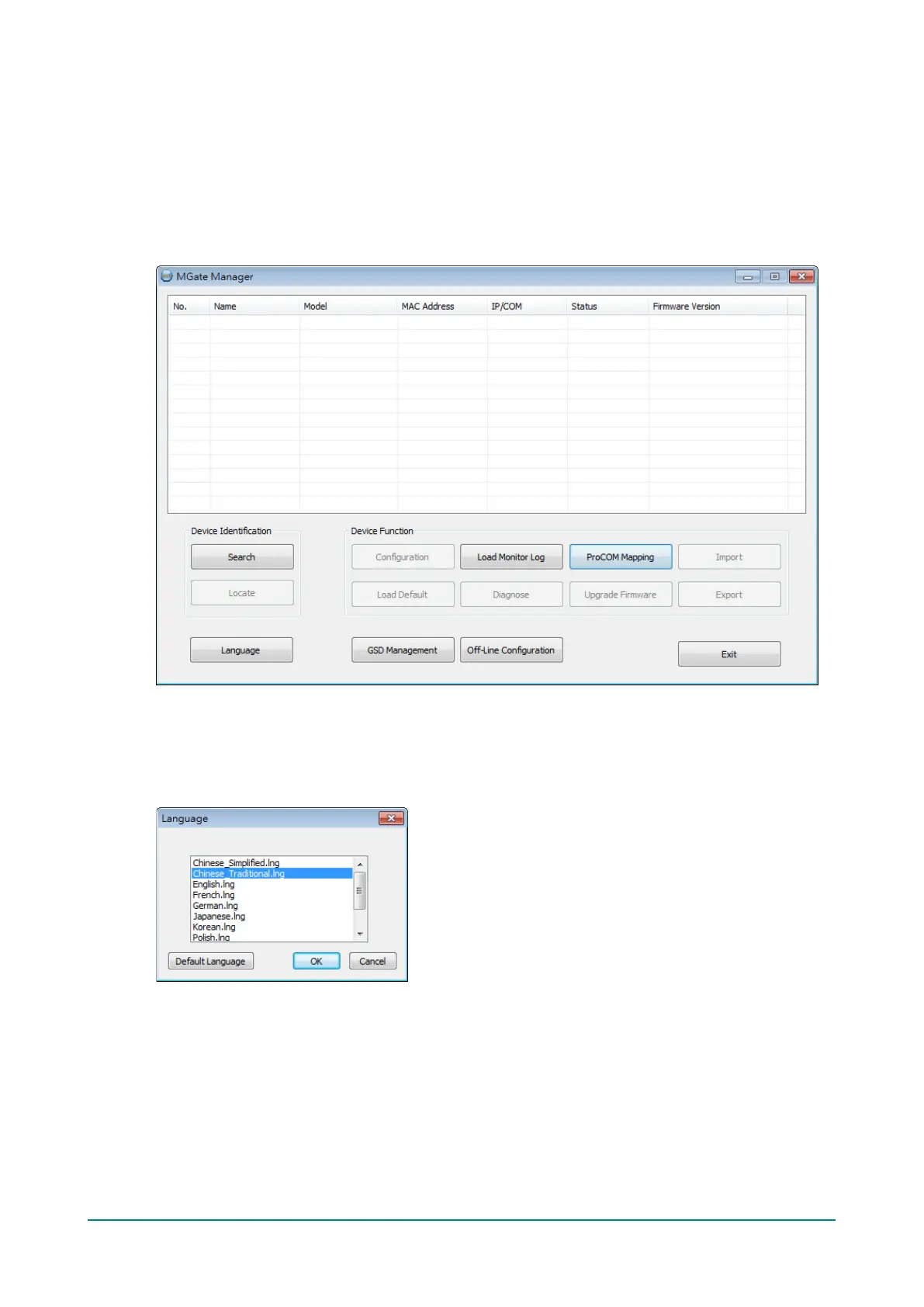
You may open MGate Manager from the Windows Start menu by clicking Start > Programs > MGate
Manager > MGate Manager. The MGate Manager window should appear as shown below.
Change Language Setting
If you wish to run MGate Manager in a different language, you may click Language to change the language
setting. A dialog box showing the available languages should appear as shown below.














 To Next Page