MGate MB3000 Modbus Gateway User Manual
Network Settings
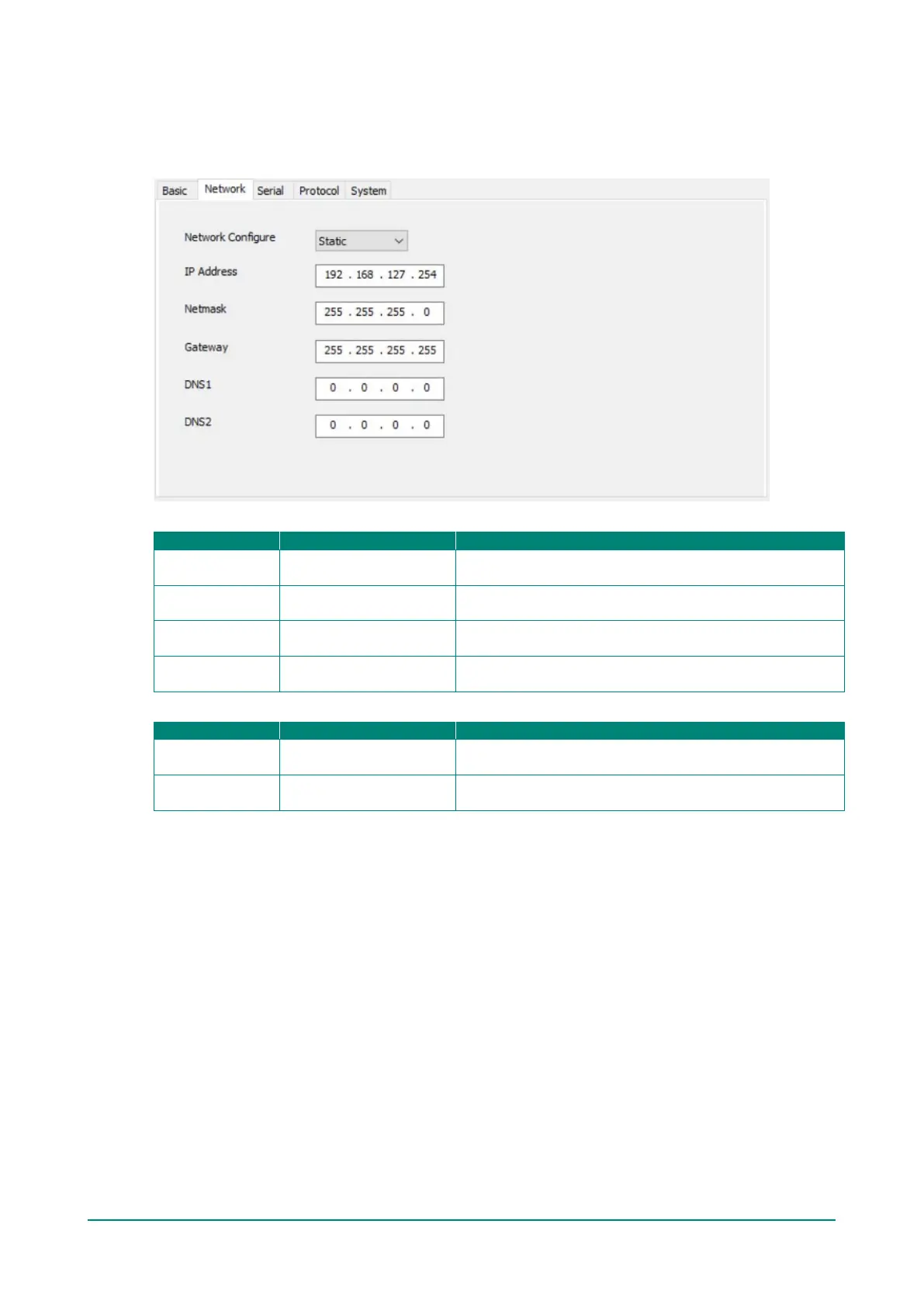
The Network tab is where the unit’s network settings are configured. You can modify the Name, Network
Configuration, IP Address, Netmask, Default Gateway, and DNS.
Ethernet Settings
IP Configuration Static IP, DHCP, BOOTP
Select Static IP if you are using a fixed IP address. Select
one of the other options if the IP address is set dynamically.
IP Address
(or other 32-bit number)
The IP (Internet Protocol) address identifies the server on
the TCP/IP network.
Netmask
(or other 32-bit number)
This identifies the server as belonging to a Class A, B, or C
network.
Gateway
(or other 32-bit number)
This is the IP address of the router that provides network
access outside the server’s LAN.
DNS Server
DNS Server 1
0.0.0.0
(or other 32-bit number)
This is the IP address of the primary domain name server.
DNS Server 2
0.0.0.0
(or other 32-bit number)
This is the IP address of the secondary domain name server.














 To Next Page