MGate MB3000 Modbus Gateway User Manual
Modifying the Configuration
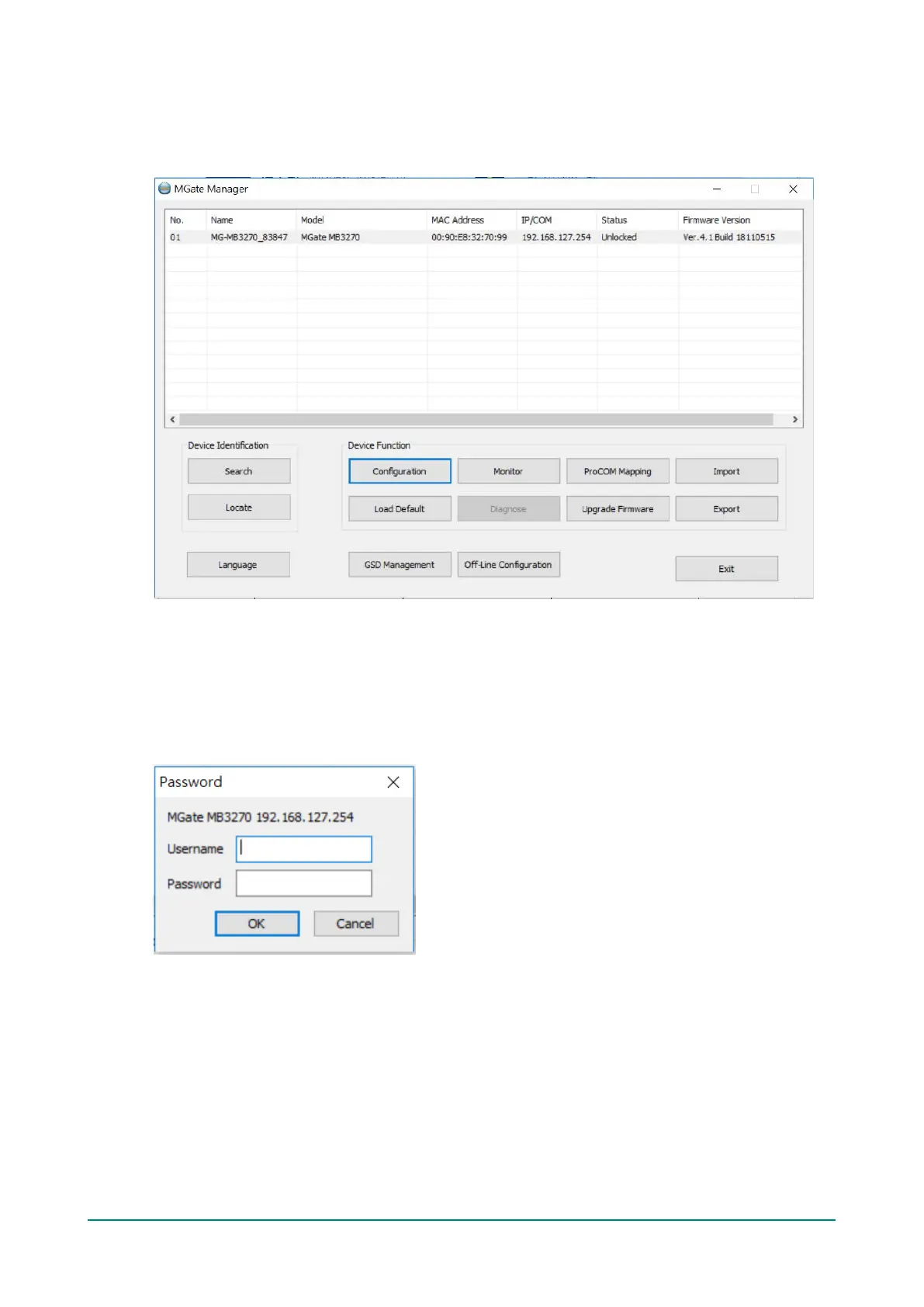
Once your unit is displayed in MGate Manager, click on it to select it. The Configuration button will become
available. Click Configuration to open the configuration window.
Password Protection
For security reasons, account and password protection is enabled by default, so you must provide the
correct password to unlock the device before configuring the device.
Default account: admin
Default password: moxa














 To Next Page