- 4 -
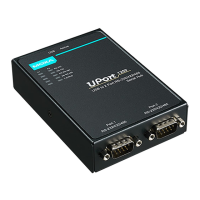
Installing the UPort 1200/1400/1600 Driver
1. Connect the UPort to the PC using the USB cable.
2. After turning your PC’s power on, Windows will automatically
detect the UPort.
3. Run the Setup program that you may find on Moxa’s support
website http://www.moxa.com/support/
. Click Next to start
installing the driver.
4. Read and accept the agreement. Click Next to set the
indicated folder.
5. Set Start Menu Folder location



 To Next Page
 Loading...