23
FLOW CALCULATOR
Latest Inflow Rate - The Most Recently Determined Flow Rate into the Lift Station
The Flow Calculator determines the “Latest Inflow Rate” of liquid flowing into the lift station by observing
how long it takes for the wet well level to rise a “known distance”, while all pumps are off. Knowing the sur-
face area of the wet well (Parameter P.46), the volume of liquid per minute flowing into the wet well is calcu-
lated. The “known distance” used in the calculation is a change in level of one foot when a Pressure Trans-
ducer is used (F.19 = 1), or the distance between electrodes (Parameter F.20) when using a Level Probe
(F.19 = 2or 3). The “Latest Inflow Rate”, in Gallons Per Minute, may be viewed from Parameters FLH &
FLL, and is also available for SCADA at Register 40080.
Average Daily Inflow Total - The Flow Totals from the Last 7 days Averaged Together
The Flow Calculator uses the “Latest Inflow Rate” to keep a running total of how much liquid flows into the
lift station during a 24 hour period. This is done for each 24 hour period. The flow totals from the previous
7 days are all kept stored. These flow totals are added together and divided by 7. This value is displayed
as either “Gallons Per Day” or “Thousand Gallons Per Day” (See Parameter P.45). The “Average Daily
Inflow Total” may be viewed from Parameters FdH & FdL, and is also available for SCADA at Register
40081. The 7 days of flow data are also available for SCADA at Registers 40086 - 40092.
Pump Outflow Rate - The Most Recently Determined Outflow Rate of Each Pump
The Flow Calculator determines and updates the “Pump Outflow Rate” of each pump whenever it com-
pletes a pumping cycle by itself. This is done by first calculating the volume of liquid in the wet well be-
tween the “1st On Level” and the “1st Off Level”, and adding to it what flows in while the pump is running
( “Latest Inflow Rate” multiplied by the “Pump Run Time” ). This total volume of liquid is divided by the
“Pump Run Time” to arrive at the “Pump Outflow Rate”. The most recent “Pump Outflow Rate” of each
pump in Gallons Per Minute, may be viewed from Parameters F1H & F1L, F2H & F2L, F3H & F3L, F4H &
F4L, and is also available for SCADA at Register 40082 - 40085.
Notes:
1. The Flow Calculator operates for “Pump Down - Empty a Tank” applications only, (Parameter P.19 = 1).
2. The “Average Daily Flow Total” is not valid until after 7 days of operation with Parameter P.44 = 1.
3. In order to have an accurate flow measurement the Flow Calculator must have recently acquired the “ Latest
Inflow Rate”. Since this is only acquired while all pumps are off, the station must periodically pump all the
way down, and turn off all pumps. Therefore, Parameter P.47 is provided to set the “Delay Before Forcing
On Another Pump
(s)”. When this delay expires an additional pump or pumps are called to run, and the wet
well is pumped down. After calling the first additional pump, there is a 4 minute delay before another is
called.
4. While attempting to update the value of the “Latest Inflow Rate”, if the level rises too fast (faster than 1 foot
in 15 seconds, with Parameter F.19 = 1, or faster than one Level Probe Electrode spacing in 15 seconds,
with Parameter F.19 = 2 or 3, the logic aborts the measurement, and keeps the previously determined
value.
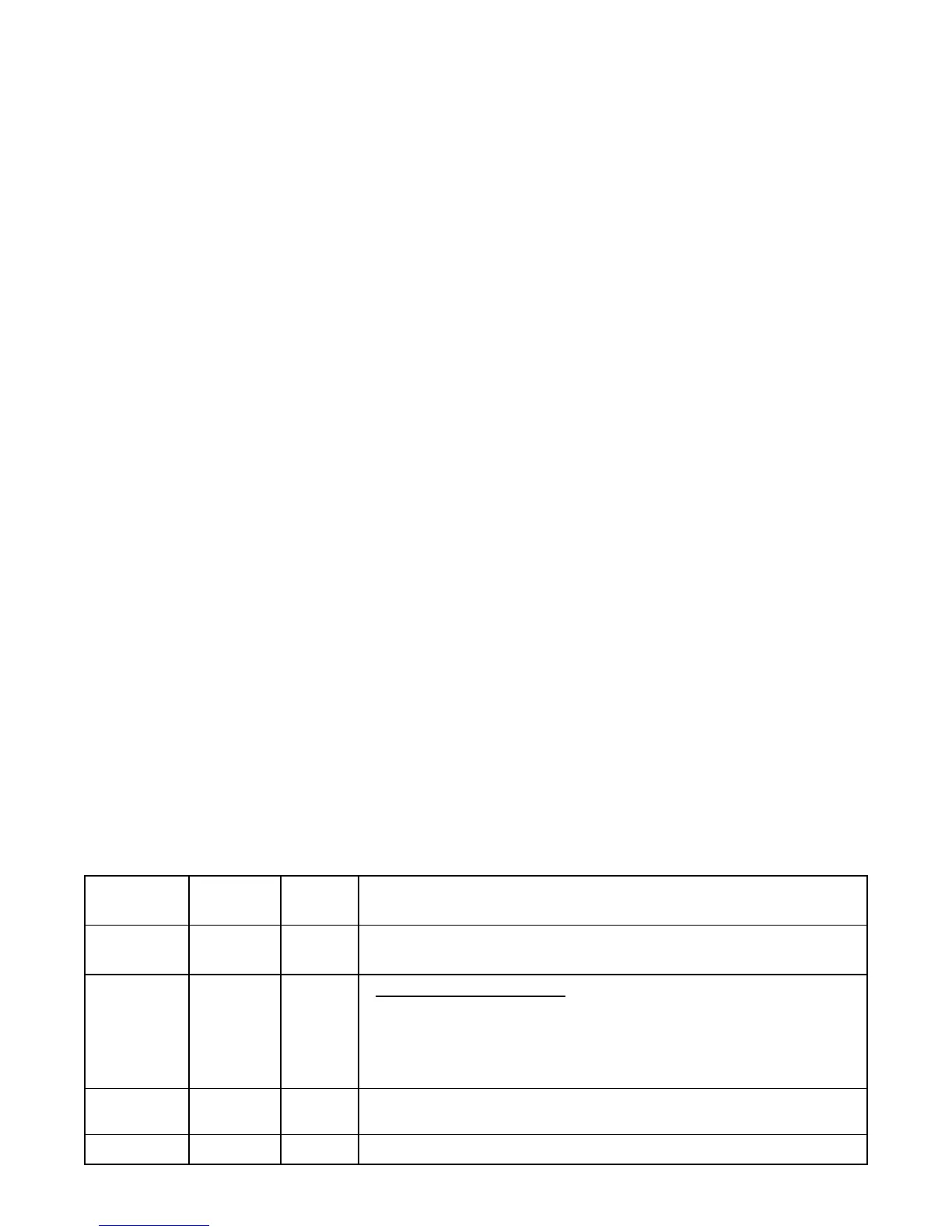
Parameter
Default
Value
Current
Value Setting Definitions
P.44
0
0 = Flow Calculator Disabled 1 = Flow Calculator Enabled
Note: All Registers that store Flow Data will be Reset to Zero if P.44 is set on 0.
P.45
2
Average Daily Inflow Total - Display Range
1 = 0 - 65,535 Gallons per Day
2 = 0 - 65,535 Thousand Gallons per Day
Note: Parameter P.45 also sets the Display Range of the Daily Inflow Total (Day 1 - 7)
read by SCADA at Registers 40086 - 40092.
P.46
79 Square
Feet
Surface Area of Wet Well
Range: 3 - 999 Square Feet
P.47
30 Minutes Delay Before Forcing On Another Pump
(s)
Range: 10 - 60 Minutes
FLOW CALCULATOR - Setup Parameters


 To Next Page
 Loading...