Use Instructions
EchoTable User Manual Page 20 of 45 DCR-00576
(MAN-0011-D)
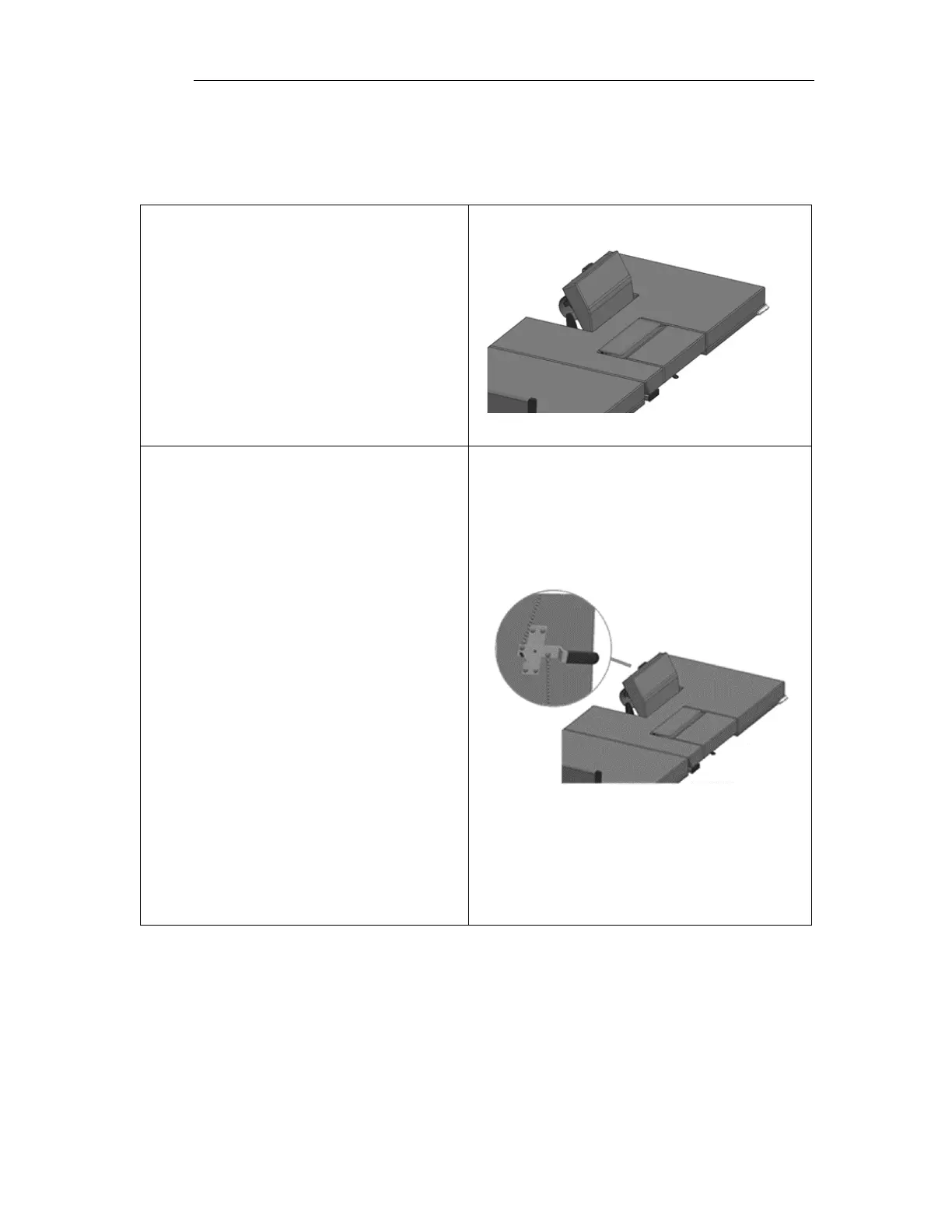
Using the Sonographer Drop Sections
The Sonographer Drop Section allows right handed scanners to get closer to the patient.
It can also be adjusted to act as a patient back rest.
To use the Sonographer Drop Section as
a back rest pull up on the drop section
until it locks into position. There are two
back rest positions to choose from.
To lower from the back rest position,
rotate the handle to release the back
rest lock. Hold the handle while
lowering the drop section until it returns
to its stored position.
Note: The release handle may be hard
to rotate when the drop section is in the
top backrest position. Pulling lightly on
the drop section while rotating the
handle will make it easier to release
from the back rest position.
To open the Sonographer Drop Section
for better patient access, pull the handle
to release the drop section latches. The
sonographer stands in the open space or
sit on the table during scanning.
To close the drop section, lift up on the
drop section up until latches engages.



 To Next Page