CONTROL PANEL WARNINGS
RESIDUAL HEAT INDICATOR
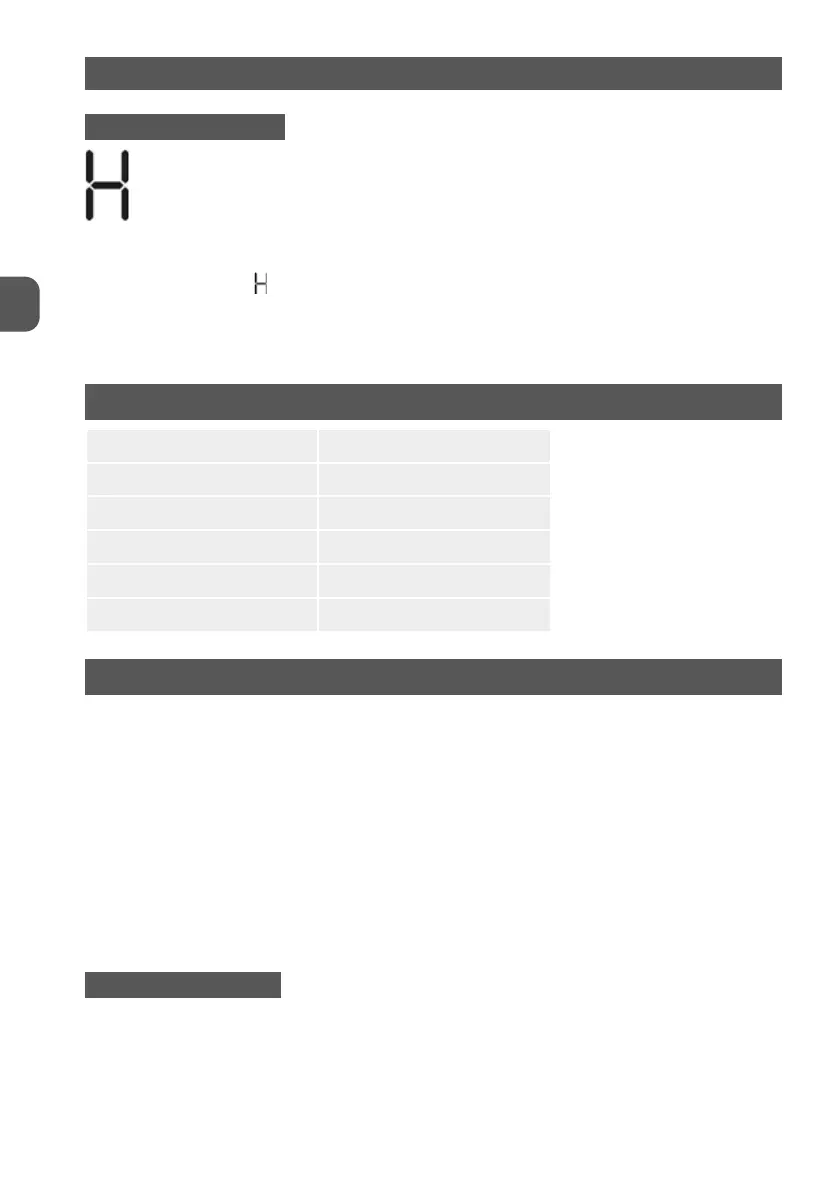
• The hob is fitted with a residual heat indicator for each cooking zone.
• These indicators alert the user when cooking zones are still hot.
• If the display shows
, the cooking zone is still hot.
• If the residual heat indicator of a given cooking zone is lit, that zone can be used, for example,
to keep a dish warm or to melt butter.
• When the cooking zone cools down, the display goes off.
TECHNICAL INFORMATION
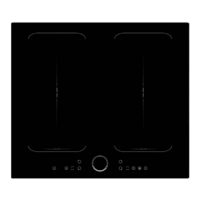
Cooking Hob MPM-30-IM-09
Cooking Zones 2 Zones
Supply Voltage 220-240V 50/60Hz
Max Power 3500W
Product Size D×W(mm) 290 x 510
Built-in Dimensions(mm) 270 x 480
CLEANING
Do not use steam cleaners.
Before cleaning, make sure the cooking zones are switched off and that the residual heat
indicator (“H”) is not displayed.
IMPORTANT! Do not use abrasive sponges or scouring pads. Their use could eventually ruin the glass.
After each use, clean the hob (when it is cool) to remove any deposits and stains due to food
residuals.
Sugar or foods with a high sugar content damage the hob and must be immediately removed.
Salt, sugar and sand could scratch the glass surface.
Use a soft cloth, absorbent kitchen paper or a specific hob cleaner (follow the Manufacturer’s
instructions).
TROUBLESHOOTING GUIDE
• Read and follow the instructions given in the section “Instructions for use”.
• Check that the electricity supply has not been shut off.
• Dry the hob thoroughly after cleaning it.
• If, when the hob is switched on, alphanumeric codes appear on the display, consult the fol-
lowing table for instructions.
26
EN



 To Next Page