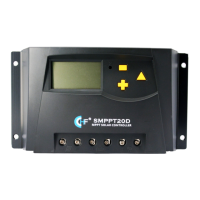
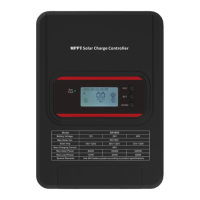
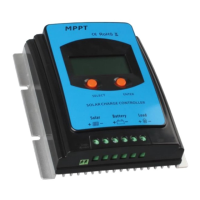
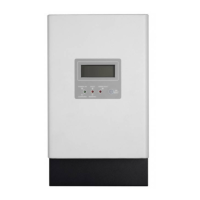
SMPPT Installation & Operation Manual Version 1.0
16
5.2.2 LCD Main Loop Interface
Photo 5.2-2
1>
Switching between interfaces is performed by short pressing
+
or
-
. If there is
no failure, interface presents. If there is failure, error code interface is presented
automatically.(Failure is in section 6)
2>
In interface Battery Voltage, Load is switch on/off by short pressing
-
.
3>
In Error Code, interface is quitted by short pressing
-
.
5.2.3 Solar Panel Voltage
Photo 5.2-3
1>Interface is switched each other between battery voltage and solar panel voltage by
long pressing
-
(>3S),and distinguished by %.
5.2.4 Internal Temperature
Photo 5.2-4
1>
Interface is switched each other between environment temperature and internal



 To Next Page