GB - 10
OPERATION
SincedeviceswithBluetooth
®
technologycommunicatethroughradiowaves,yourcarkitandyourmobilephonedonot
needtobeindirectline-of-sight.The2devicesonlyneedtobewithinamaximumof10metersofeachother,soyoudon’t
needtotakeyourphoneoutofyourpocketorbagtomakeandreceivecallsviathecarkit.
SinceBluetooth
®
phonesproducedbydifferentmanufacturersprovidevariousfunctionalities;somefunctionsdescribedin
thisuser’smanualcouldbedifferentormaynotbeavailable.
SWITCHING ON/OFF
IfthemrHandsfreeBlueCompactisconnectedtothepowerviatheadapterwithcableSC3,youcanswitchontheunitby
clickingtheadapterintothecigarettelighter.
IfthemrHandsfreeBlueCompactisconnectedtothepowerviacableSC2orMB1orProMusic100,theunitwillswitch
onautomaticallywhenyouturntheignitionkeyon.
MrHandsfreeBlueCompactwillturnoffautomaticallywhentheignitionisoff.
MENU STRUCTURE
Allfunctionsoftheunitaregroupedinthemenu.
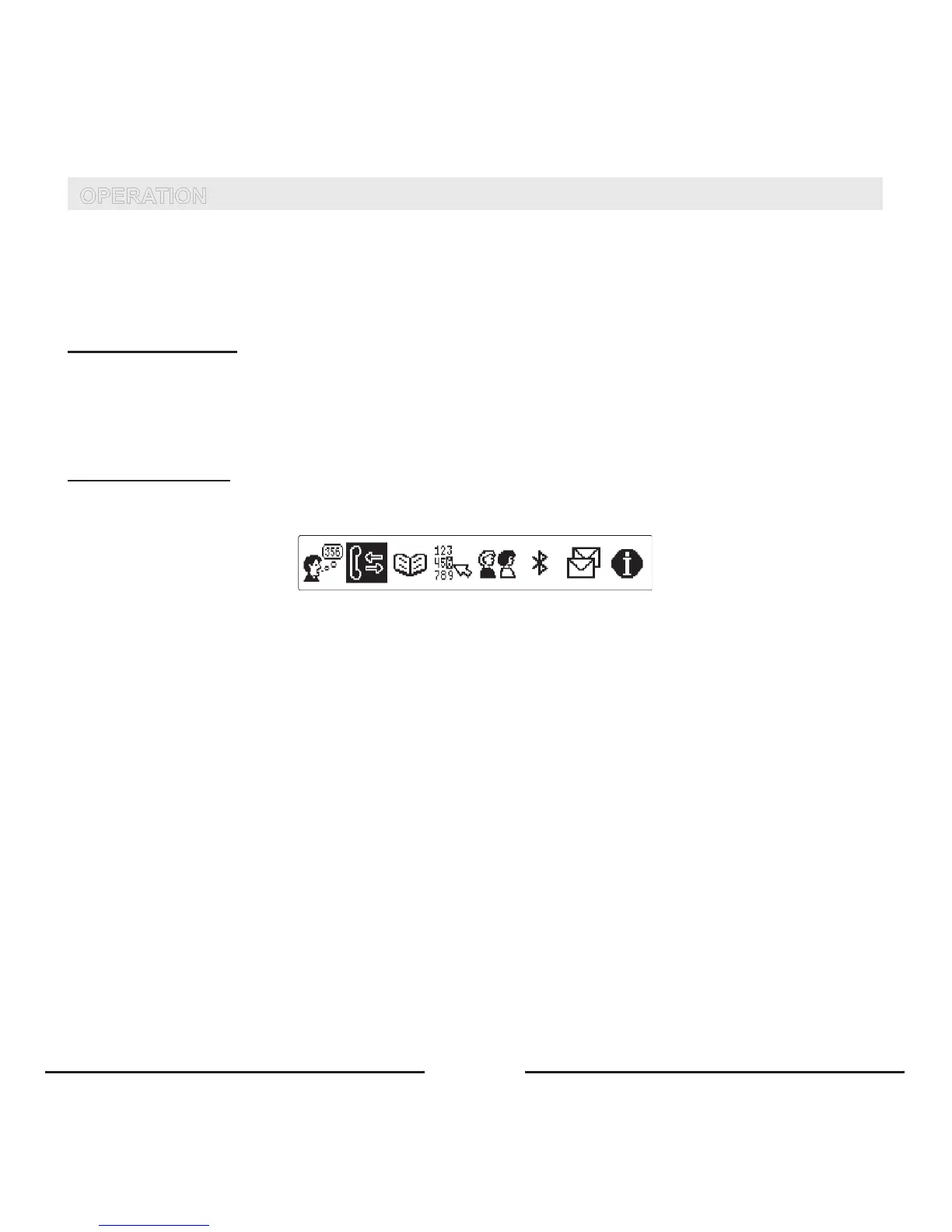
• Toaccessthemenu,pressthecentralbuttononce.Themenuofquickaccessappearsonthedisplay.
• Tomoveinthemenu,turnthecentralbuttontotheleftortotheright.
Themenustructureisshownbelow:









 To Next Page