GB - 5
INSTALLATION
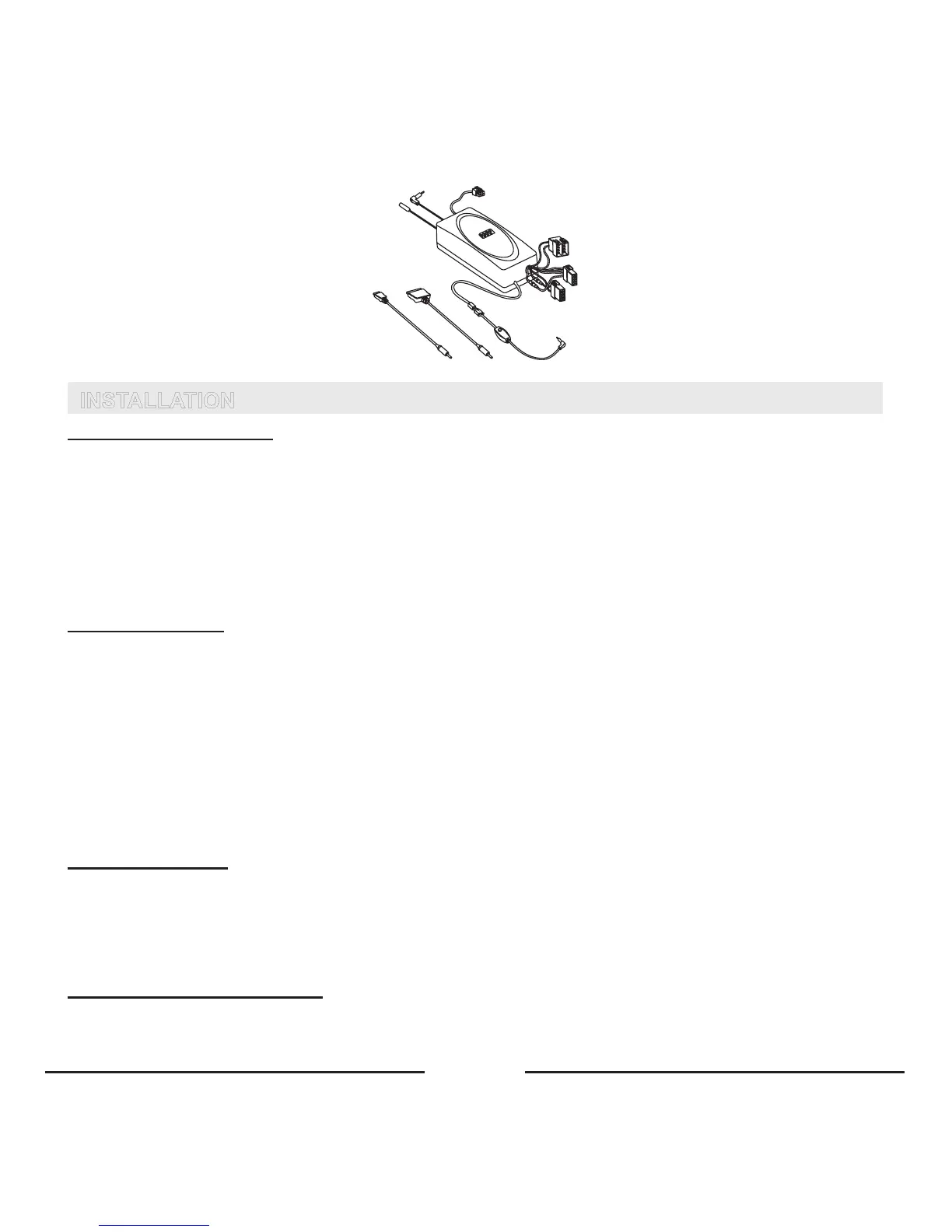
HANDSFREE UNIT (SM2)
Searchforalocationinyourcarwherethehandsfreeunitfitsandwhereitiscomfortableforuse.Makesurethattheloca-
tioninyourcarwhereyouwouldliketoinstallyourhandsfreeunitisfreefromdustanddirt.
Werecommendmountingthehandsfreeunitatalessvisiblepositioninthecar.However,makesurethattheunitcan
providegoodacoustic,bydirectingthespeakerintheoppositedirectionofthemicrophoneandbyplacingtheunitata
distanceofmorethan1meterfromthemicrophone.
Thehandsfreeunitcanbefixedin2ways:
1. Underthedashboardoratanyotherplaceinthecarusingtheinstallationscrews.
2. Underthedashboardoratanyotherplaceinthecarusingthedouble-sidedtapeplate.
SCREEN UNIT (D2)
Searchforalocationinyourcarwherethescreenunitfitsandwhereitiscomfortableforuse.Makesurethatthelocation
inyourcarwhereyouwouldliketoinstallyourscreenunitisfreefromdustanddirt.
Thescreenunitcanbefixedin2ways:
1. Mountthebrackettothescreenunit,usingthesuppliedscrews.Thenpleasemountthebracketwiththescreenunit,
usingthedouble-sidedtape,onthedashboardoratanyotherplacewhereitisclearlyvisiblebutmakesurenotto
impaircontroloroperationofthevehicle.
2. Themostadvancedandnicelookingoptionistoplacethescreendirectlyonthedashboard,withoutthebracket,using
thedouble-sidedtape.
Thecablethatcomesoutofthescreenunitisusedforconnectingthescreenunittothehandsfreeunit.Makesurethatthe
cableisplacedsothatitwillnotbedamaged(e.g.notlaidundercarseatsoroversharpedges).
MICROPHONE (M1)
Mountthemicrophoneclosetotheuser’shead(30cmisoptimal)andplaceitsothatitisdirectedtowardsthemouth.
Experiencehasshownthatthebestlocationisneartherearviewmirrorortotheleftofthesunvisor.Toavoidecho,itis
recommendedtohaveaminimumdistanceof1meterbetweenthemicrophoneandthehandsfreeunit.
Makesuretomountthemicrophonesothatitisnotexposedtoairstreamsfromthevents.Donotlaythemicrophonecable
intheheating,ventilationorACsystems.FixthemicrophoneusingVelcro.
CONNECTING TO THE POWER
Thereare4waysofconnectingtheBlueCompacttothecar’selectronicsystem:
1. Plug&driveconnection:Viatheadapterforthecigarettelighter(SC3)(Optional).









 To Next Page