GB - 12
USER PROFILES
TheBlueCompactsupportsamultipleuserprofilesstructure.Themaximumquantityofuserprofilesisfour.Everyuser
cancopyandkeepinthecarkitmemoryhisphonebook,calllistandconfigurationsettingsofthedevice.Thenameofeach
profileisidentifiedaccordingtotheBluetooth
®
nameofthecorrespondingmobilephone.Ifnophoneispairedwiththe
carkit,thepairingoperationhastobedonefirst.
Assoonasthecarkitisswitchedon,thelatestprofileisactivatedautomaticallyandthecarkitismakinganattempttocon-
nectwiththecorrespondingphone.Ifthelastpairedphoneisnotfound,thecarkitwillswitchtoStandbymode.Foryour
security,everyprofilecanbeprotectedbyaPINcode(upto4digits).Youcanreadmoredetailedinformationaboutthe
profilesinthechapter“Profiles”.
PAIRING, CONNECTION AND DISCONNECTION
A. PAIRING
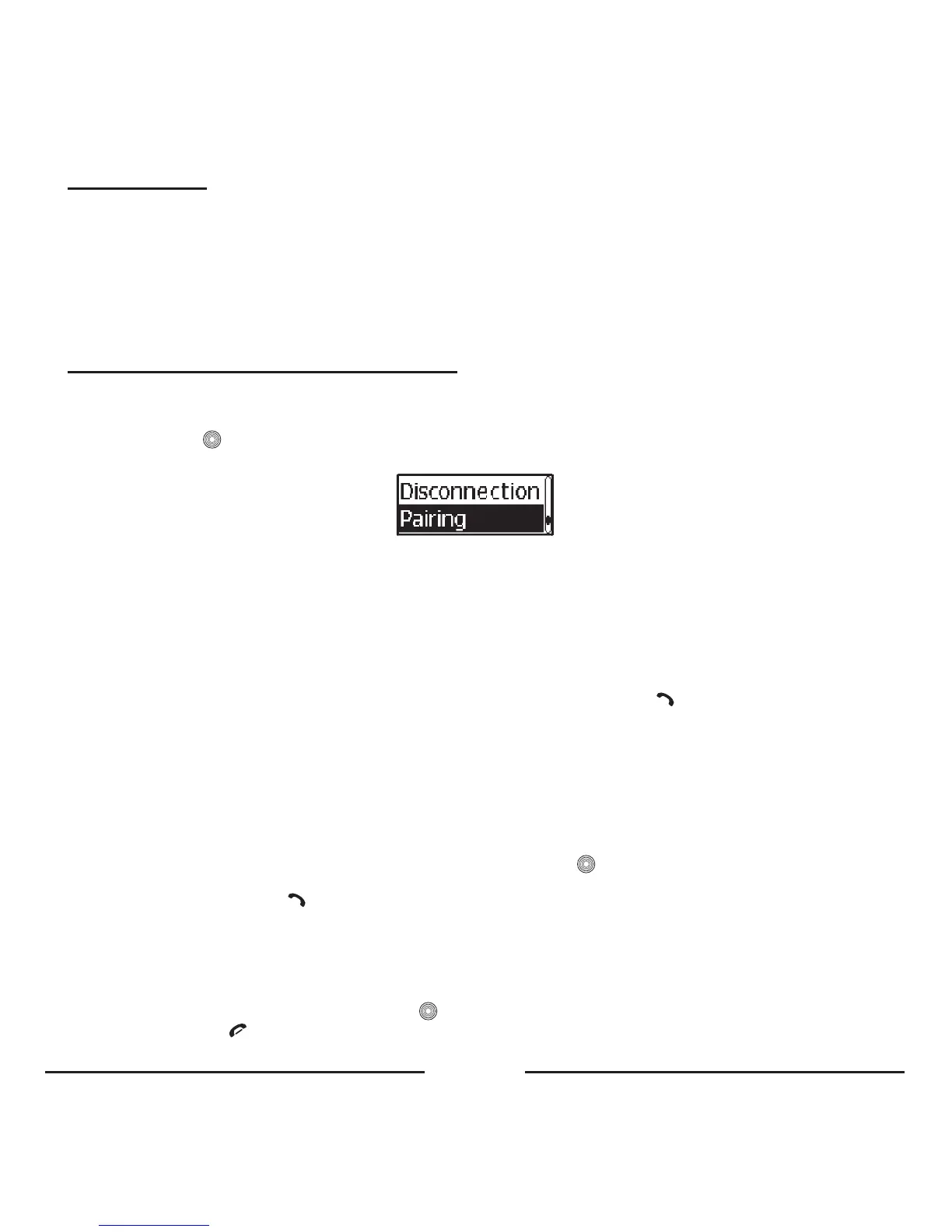
• ForpairingthemrHandsfreeBlueCompactwithyourBluetooth
®
mobilephone,youshouldgotoBluetooth
®
a Pairing
andthenpress .NowyourBlueCompactisinregistrationmodeforabout2minutes.Thecorrespondingmessage
appearsonthedisplayandaconfirmationtonewillbeheard.
• ActivatetheBluetooth
®
functioninyourmobilephone.
• SearchforavailableBluetooth
®
devicesbyenteringthecorrespondingsubmenuofthephone.Yourphonewillfindall
Bluetooth
®
deviceswithin10metersdistanceanddisplaythemasalist.
• Select“BlueCompact”fromthelist.
• Enterthepasskey“0000”.“
Pairing OK”willappearonthedisplayandthedevicewillreturntoStandbymode.“Blue
Compact”willbestoredinthelistofpaireddevicesinyourphone.
• WesuggestsettingtheBlueCompactas“authorized”inyourmobilephone.
Note:
• If necessary, the pairing mode could be activated by pressing and holding the button on the screen unit for
more than 5 seconds.
• If you want to pair a new phone with the Blue Compact and store the currently paired phone in the carkit’s
memory, you should create a new user.
B. CONNECTION
Insomecasesthedevicecouldbedisconnectedfromyourphone.Forexample,iftheBlueCompactwasswitchedoff.To
restoretheconnectionbetweentheBlueCompactandyourphone:
• Switchonthepowerandtheconnectionwillberestoredautomatically;OR
• UsethecentralbuttontogotoBluetooth
®
a Connection andpress .“Connection”willappearonthedisplay;
OR
• InStandbymode,pressthe buttononthescreenunit.
C. DISCONNECTION
SometimesyouneedtodisconnectyourphonefromtheBlueCompact.Forexample,ifthephoneshouldcommunicate
withanotherBluetooth
®
device.TodisconnecttheBlueCompactandyourphone:
• SwitchofftheBlueCompact;OR
• GotoBluetooth
®
a Disconnectionandpress ;OR
• Pressandholdthe buttononthescreenunitfor5seconds;OR









 To Next Page