GB - 13
• Takethephonemorethan10metersawayfromtheBlueCompact;OR
• DisconnecttheBlueCompactandthephonethroughthephone’smenu.
Note:
If the Blue Compact and your phone were disconnected and you want to reconnect them it is not necessary to
pair these 2 devices again. Restoring of the connection will be performed without asking for the access code.
FUNCTIONS
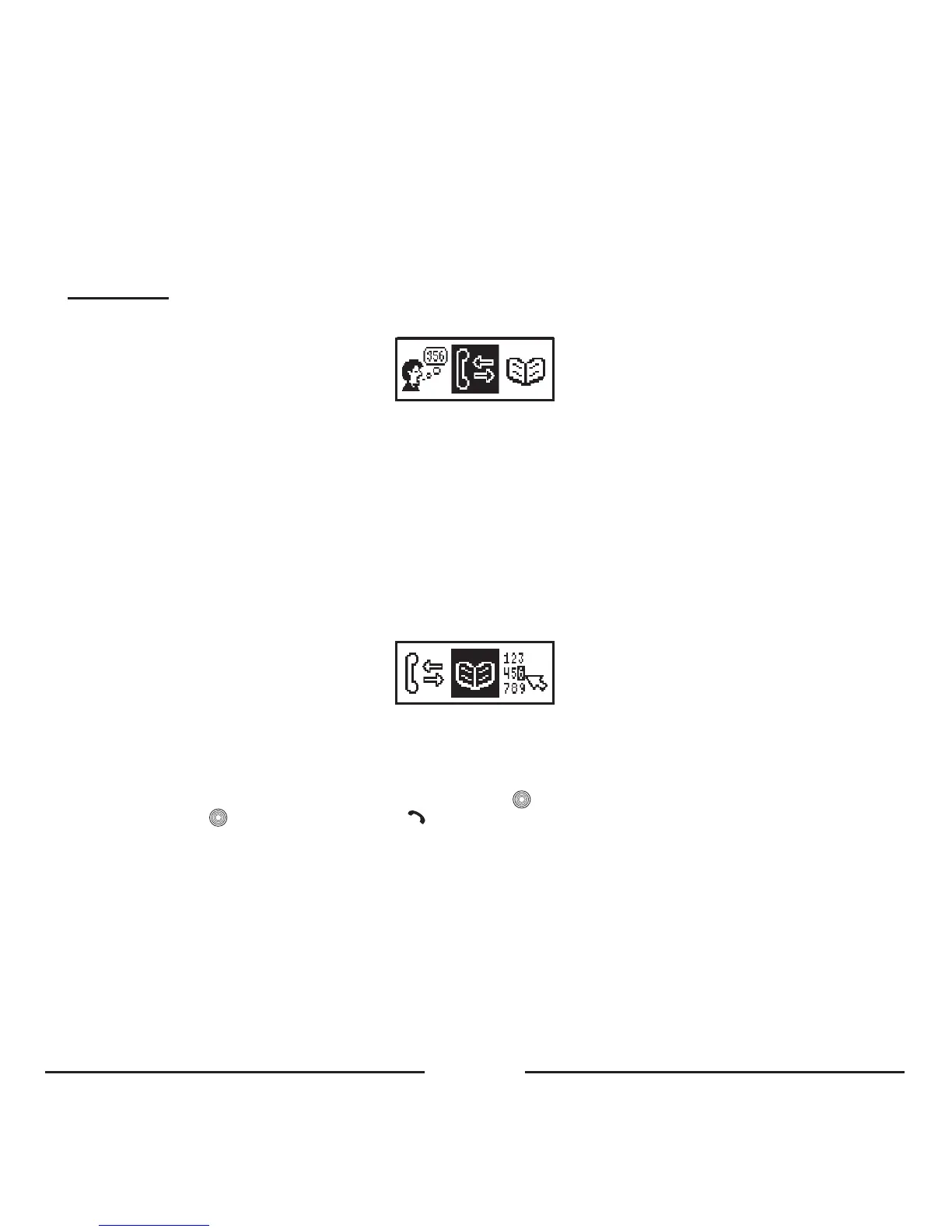
1. CALL LIST
Youcanusethisfeaturetoreviewthecalllistsanddialthenumbersthesamewayasyoudowithyourmobilephone.The
calllistsarestoredinthecarkitmemoryevenifyouswitchoffthepower.Therearethreecalllistsforeveryprofile:received
calls,dialednumbersandmissedcalls.Eachcalllistcankeepupto32numbers.
Ineveryprofileyoucankeepyourcalllists:
• Incomingcalls–upto32numbers
• Outgoingcalls–upto32numbers
• Missedcalls–upto32numbers
Remark:
• Only the calls that were made with the carkit will be stored in the call list memory.
• These lists will only be shown when there are numbers available in these lists.
2. PHONEBOOK
Youcanusethisitemtoreviewyourphonebookandquicklysearchforanecessaryphonenumberbyname.Whenyou
havealreadycopiedaphonebookintothecarkit,thismenuitemwillshowthephonebook.Whenthereisnophonebook
available,becauseithasnotyetbeencopiedtothecarkit,youhavetocopythephonebookfirst.
Therecordsofthephonebookaredisplayedinalphabeticalorderinthedisplay.Foraquicksearchofthedesiredname,
finditsfirstletterwiththecursorusingthecentralbuttonandpress toseethelistofthenames.Selectthedesiredname
ornumberandpress toseethedetailsorpress todialthenumber.Thephonebookisstoredperuserprofile,sothat
eachusercanstoreisownphonebook.TheBlueCompactphonebookcanstoreupto1000recordsforeveryprofile.This
isdividedinto250recordsforSIMcardcopyand750recordsforphonememorycopy.
Thereareseveralwaystocopythephonebooktoyourcarkit:
2.1 Copy the phonebook to the SIM card, and insert the SIM card temporarily in your carkit
Inyourmobiletelephone,youwillfindyourphonebookandan“Options”menu.Inthis“Options”menu,youcanchooseto
copythecontentsofthephonebooktotheSIMcard.ThephysicalmemoryontheSIMcardisoften250names&numbers.
TocopythephonebookusingtheSIMcardreader,pleaseinserttheSIMcardintotheSIMcardholderaccordingtothe
picture.Makesurethatyoupushthecarddeepenough,untilitclicksintoplace.









 To Next Page