GB - 20
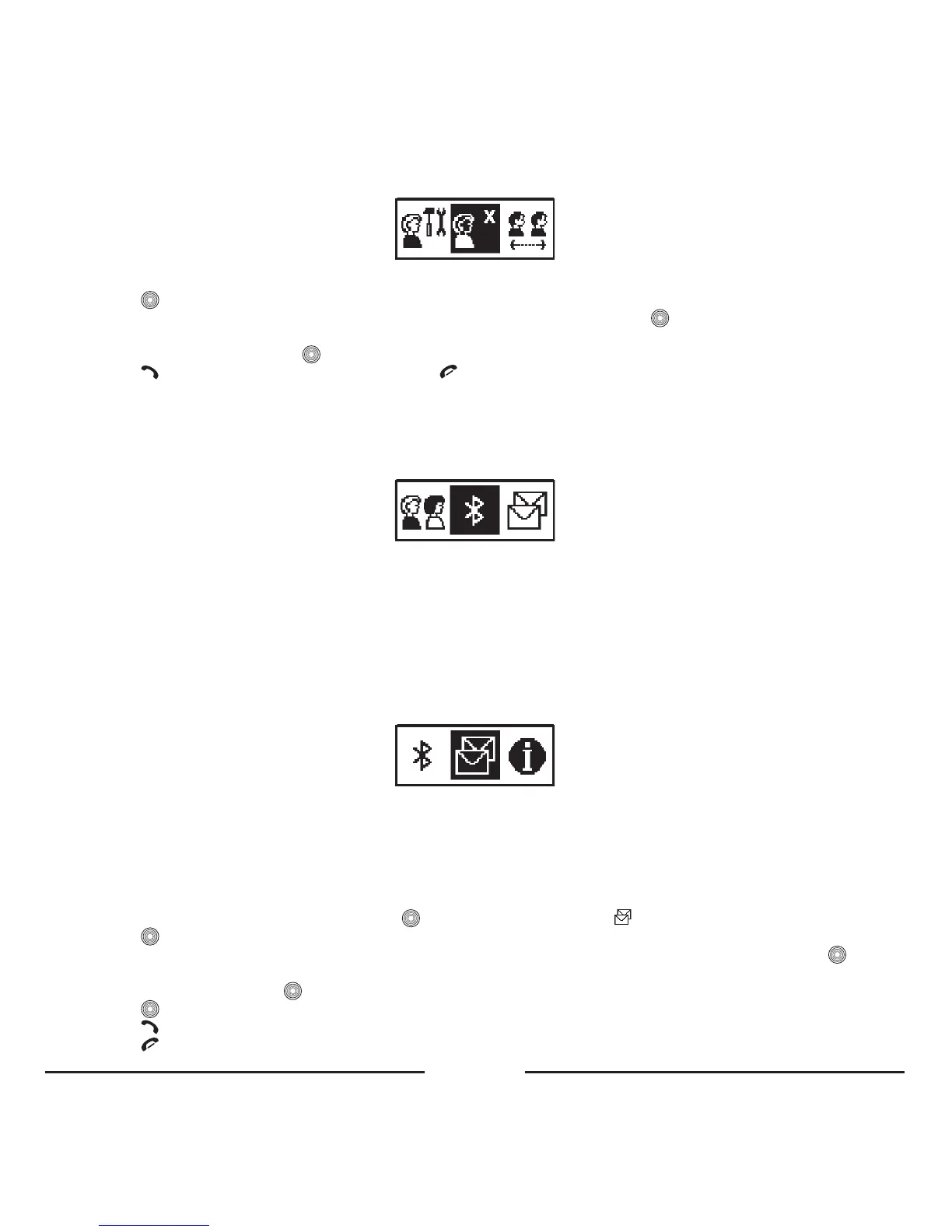
4. 4. Delete
Usethisitemtodeleteunnecessaryprofiles.Youcanonlydeletetheactiveprofile.
• Press toopenthemenu.
• Selecttheunnecessaryprofilethatyouwouldliketodeletefromthelistandpress .
• IfthisprofileisprotectedbyaPIN-code,youwillbeaskedtoenterit.
• EnterthePIN-codeandpress .
• Press toconfirmanddeletetheprofileorpress tocanceltheoperation.
Note:
If you forgot the PIN-code, you can use the master PIN-code ‘8888’. This master PIN-code can only be used for
deleting the profiles.
5. BLUETOOTH
5. 1. Connection
UsethisitemtoconnecttheBlueCompactandyourmobilephone.
5. 2. Disconnection
UsethisitemtobreaktheconnectionbetweentheBlueCompactandyourmobilephone.
5. 3. Pairing
UsethisitemtopairtheBlueCompactandyourBluetooth
®
mobilephone.
6. SMS
WiththisitemofthemenuyoucancopyreceivedSMSfromyourphone’smemoryorSIMcard(upto20).Youwillseethe
firstwordofeachmessage.Byclickingthesewords,youwillopenthemessageandseemoredetails.
Note:
This function is not supported by some mobile phones.
Overview list of SMS
• ToviewtheSMSlistinStandbymode,press andchoosetheitem“SMS” .
• Press again.TheSMSsubmenuwillbedisplayed.
• SelectfromwhichsourceyouwanttoseetheSMS:fromthephoneorfromtheSIMcardmemoryandpress .
• Thelistwillbedisplayed.
• ChooseanSMSandpress toviewit.
• Press toseethetelephonenumber/nameoftheSMSsenderandthemessagereceivingdateandtime.
• Press todialthistelephonenumber.
• Press toexittheSMSviewingmode.









 To Next Page