9 Visualization
Maschinenfabrik Reinhausen GmbH 2020 2634453918/14 EN ETOS
®
TD
9.31.2 Setting operator interval for transformer maintenance
You can define a maintenance interval of your choice for the transformer.
The maintenance interval is dependent on time. If the limit is reached
(100%), the device triggers an event message (red).
Date of next maintenance 17.09.2066 23:59:21
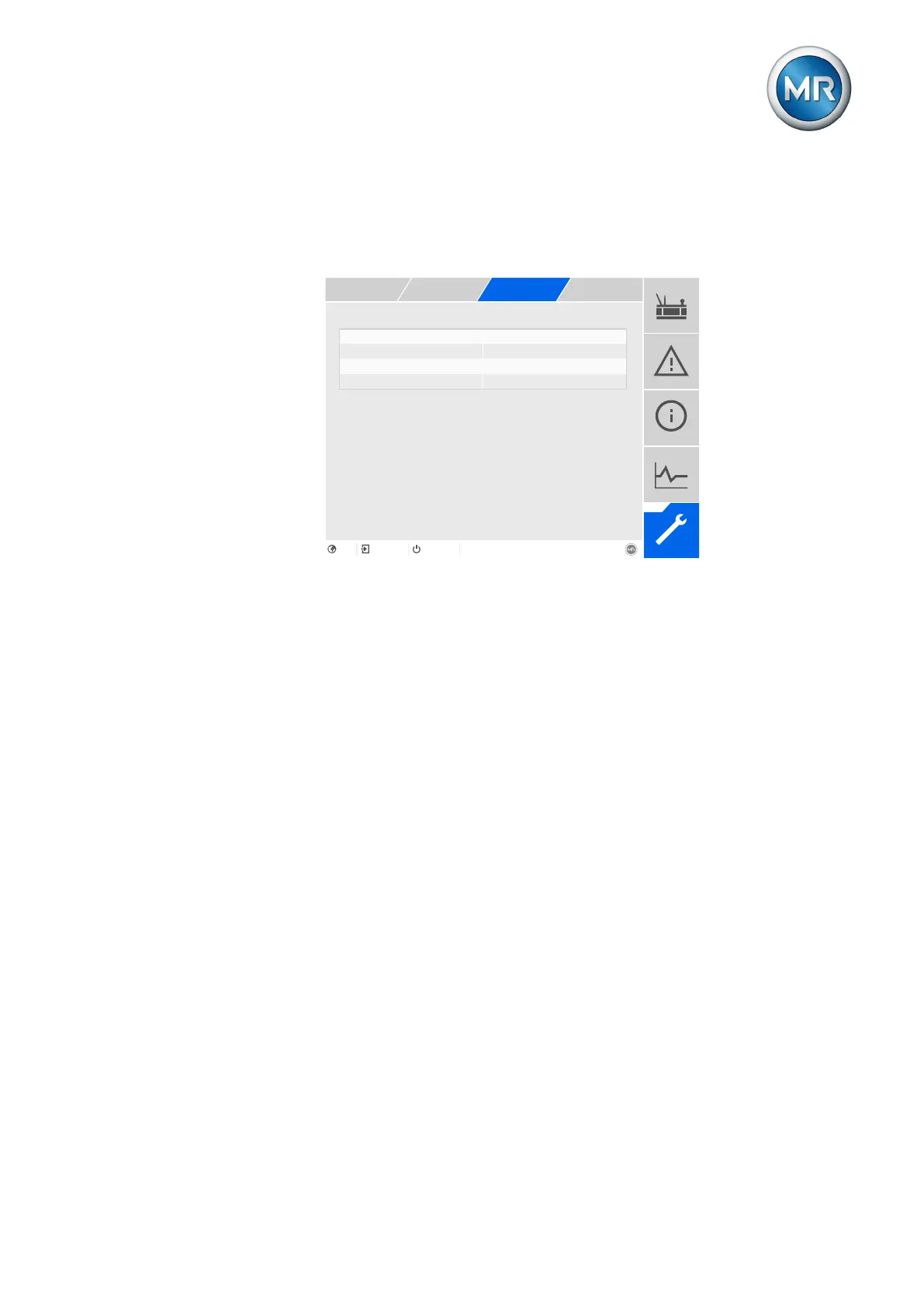
Figure197: Maintenance: Transformer operator
1. Go to Settings > Parameters > Active part > Maintenance: Trans-
former operator.
2. Select the desired parameter.
3. Set the desired parameter.
4. Press the Accept button to save the modified parameter.



 To Next Page