33
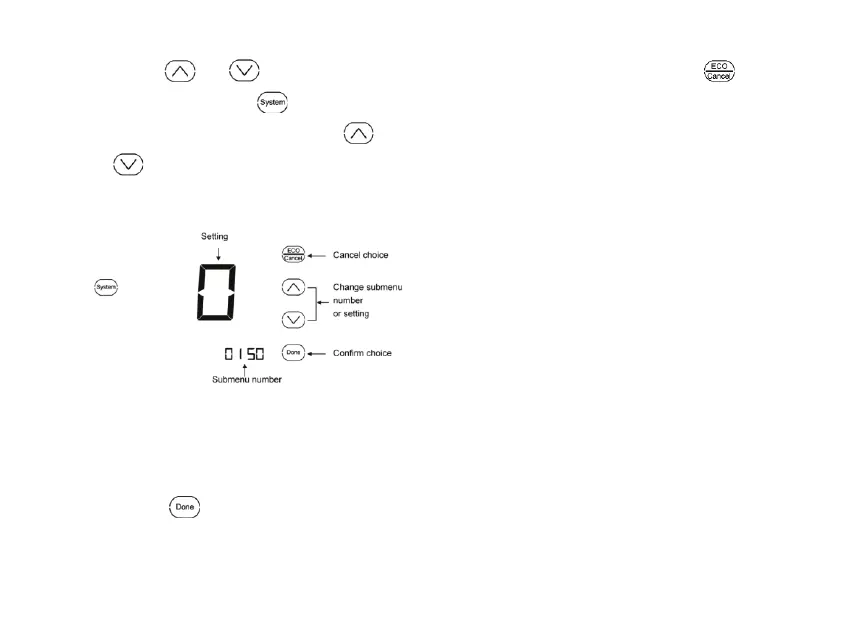
2. Press
or key to cutover
submenu, and press
key enter
submenu. Under submenu use
or to set parameters. See
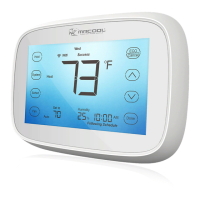
Fig. 22-3.
Fig. 22-3.
Note: See Tables 2 for the Installer
Setup Numbers and Settings.
3.Press
key to exit and confirm
the installer setup, or press
to
exit without saving changes.


 To Next Page