49
Date/time Setting
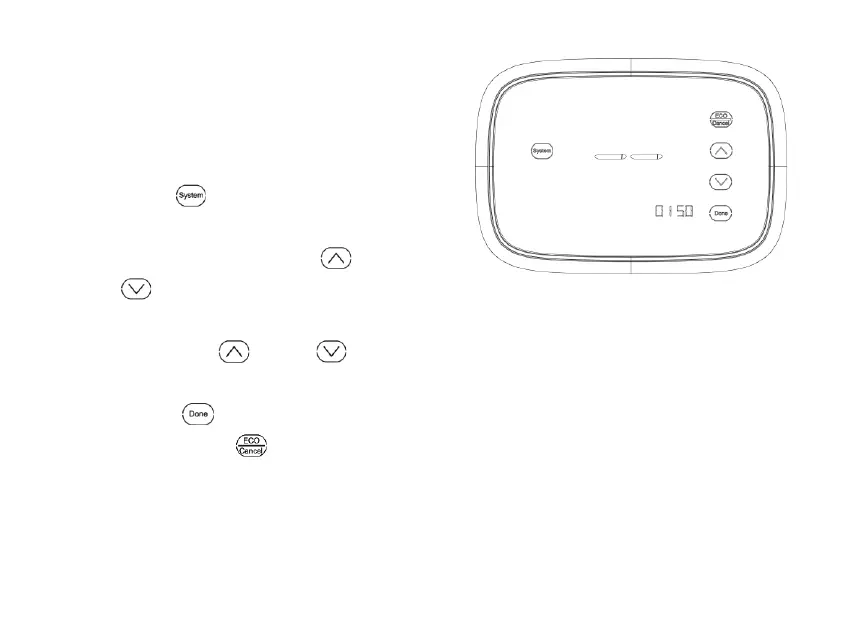
1. Consult USER SETUP, choose
submenu number 0150 enter date
and time setting.
2. Press
to switch from date to time
in the following order: year, month, day,
hour, and minute. Press
or
to adjust the time. (You can
advance the time more quickly by
holding the
key or key
buttons.)
3. Press
to save changes and
exit or press
to exit without
changing the date and time.
Fig.25



 To Next Page