66
Edit Schedule
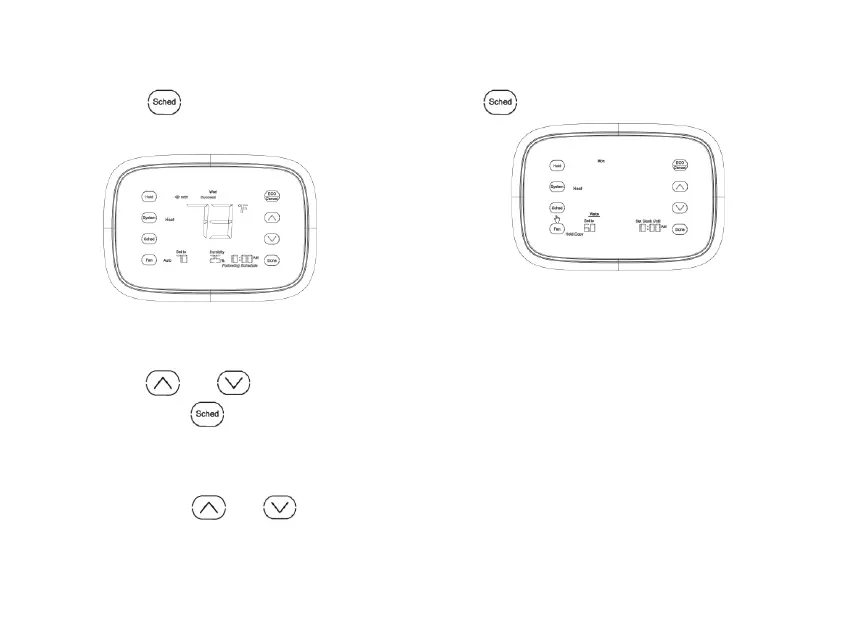
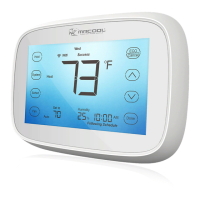
1. Press , the screen will
change. See Fig. 39 and 40.
Fig. 39.
2. In this case, the time will blink,
press
or to adjust the
time. Press
to turn to next
setting.
3. Then, the temperature will start to
blink, press
or to
adjust the temperature. Press
to turn to next time period.
Fig. 40
.


 To Next Page