67
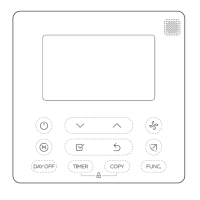
4. Repeat the above steps until completing the setting of four time periods. Then, press
to turn to next day, until completing the setting of a week.
5. To end program setting, press
key to exit and confirm the program
setting, or press to exit without saving changes.
NOTE: The Fan setting is auto as default and cannot be programmed.


 To Next Page