57
Setting Filter Reminder
Intervals
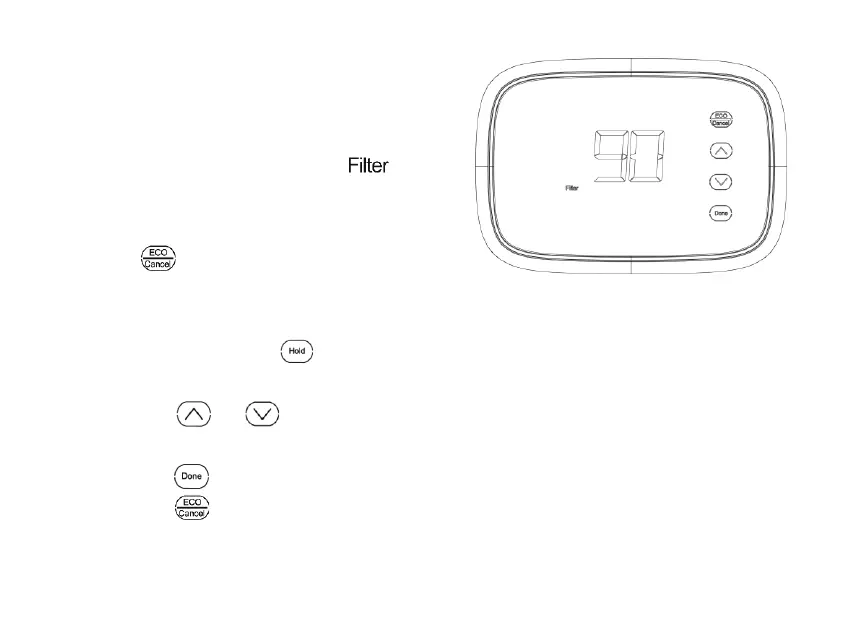
If activated during installation, the filter
reminder alerts you by flashing
on screen above the time when it is
time to replace your filter.
Press
after changing the filter, to
restart the timer. To change the
reminder interval:
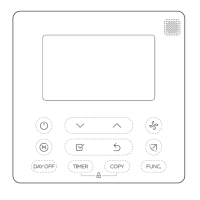
1. Press and hold the
about 3
seconds until screen changes.
2. Press
or to select the
desired interval (in days), then
press
to save and exit, or
press
to exit without saving.
Fig.30
Note:
1. System setting function 0500
governs the filter interval maximum.
2. The days are counted as fan run
time, so anytime the fan is running, the
reminder is counting that time against
the number of days selected.


 To Next Page