32
INSTALLER SETUP
Follow these steps to enter the
Installer Setup:
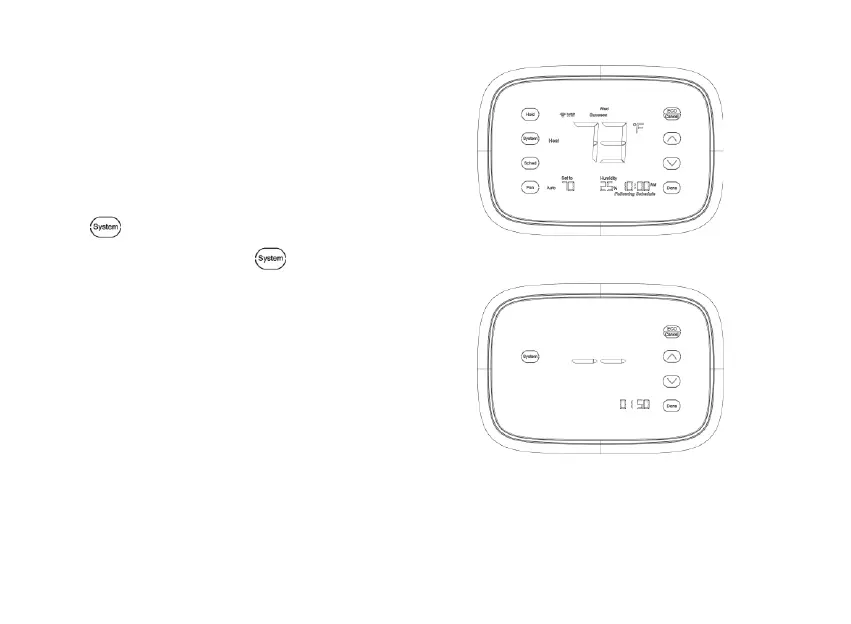
1. See Fig. 22-1. Press and release
the
Key. System mode will blink,
then press and hold the
key for
approximately 5 seconds until the
screen changes. Menu numbers will display
at bottom right corner. See Fig. 22-2.
Fig.22-1
Fig.22-2.


 To Next Page