59
1. Please be sure your phone has connected WiFi (don’t connect the hidden internet),
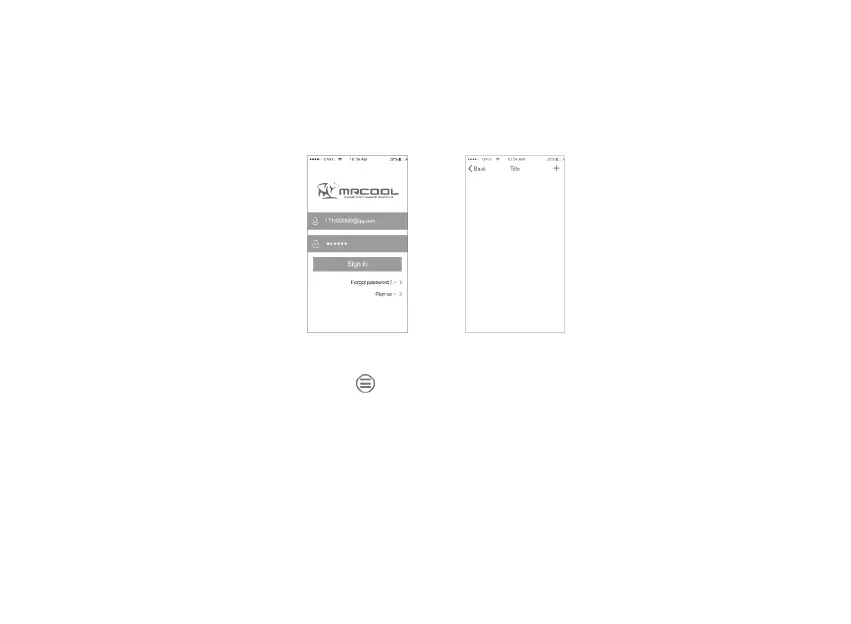
download “MRCOOL Universal”.
2. Open App and register.
Fig. 31. Fig. 32.
3. After login, press top left corner
, choose WiFi connection and input the WiFi
password, DON’ T press the “connect” and continue next step first.
®


 To Next Page