ADJUSTMENTS (continued)
Collision Avoidance and Speed Bin Setup (continued)
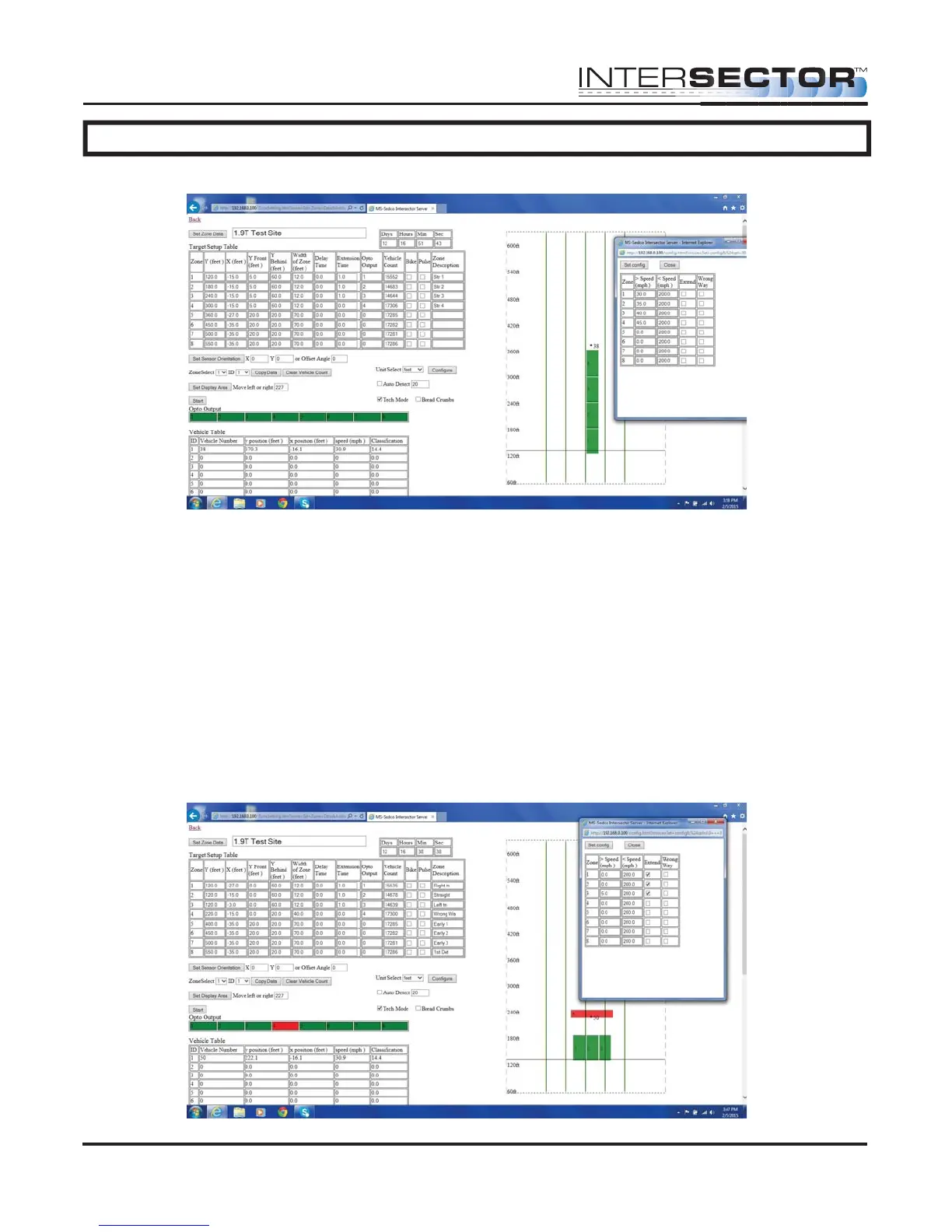
Wrong Way Detection Setup
1. Equipment needed: None
2. With the INTERSECTOR in Setup Mode, proceed to Zones Settings. Set up the zones
where Wrong Way Detection is needed (it is recommended they be located behind
the stop bar zones).
3. Start the configure format by selecting Configure.
4. While in configure, select Wrong Way Detection for each zone needing this feature,
click on Set Configure
5. Watch the zones to verify proper operation. This feature may be difficult to confirm.
Use extreme caution if using a test vehicle.
6. Return to Operational Mode.
INTERSECTOR
Microwave Motion and
Presence Sensor Installation Instructions
MS Sedco INTERSECTOR Installation Instructions Page 22 INTERSECTOR-1.9Uv092717



 To Next Page