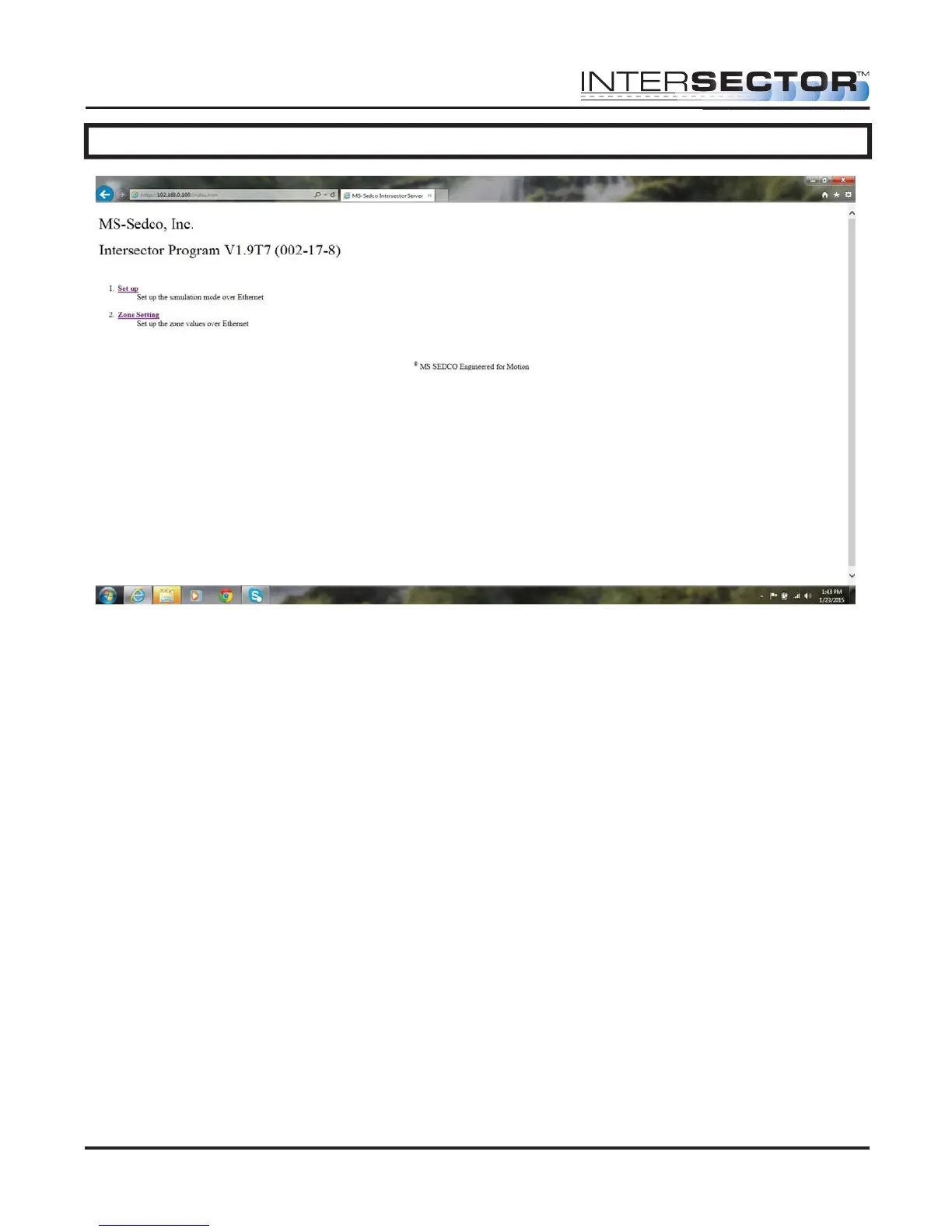
CHANGING THE INTERSECTOR IP ADDRESS (cont.)
To verify the software version of the TCIB:
• Connect the laptop to TCIB RS232 port. This can be accomplished by using a USB to
RS232 adaptor. Using the communications program Hyperterminal, which is
supplied with Windows up to version XP, you can connect to the TCIB. If you are
using Windows 7 you can obtain a version of Hyperterminal on the internet. For
instructions on using Windows 7, please refer to Appendix C at the back of this
manual.
• Open Hyperterminal by clicking on “Start” at the bottom right of your screen. Select
“Programs” then “Accessories” and then “Communications”. Hyperterminal should
be listed there.
INTERSECTOR
Microwave Motion and
Presence Sensor Installation Instructions
MS Sedco INTERSECTOR Installation Instructions Page 24 INTERSECTOR-1.9Uv092717



 To Next Page