CHANGING THE INTERSECTOR IP ADDRESS (cont.)
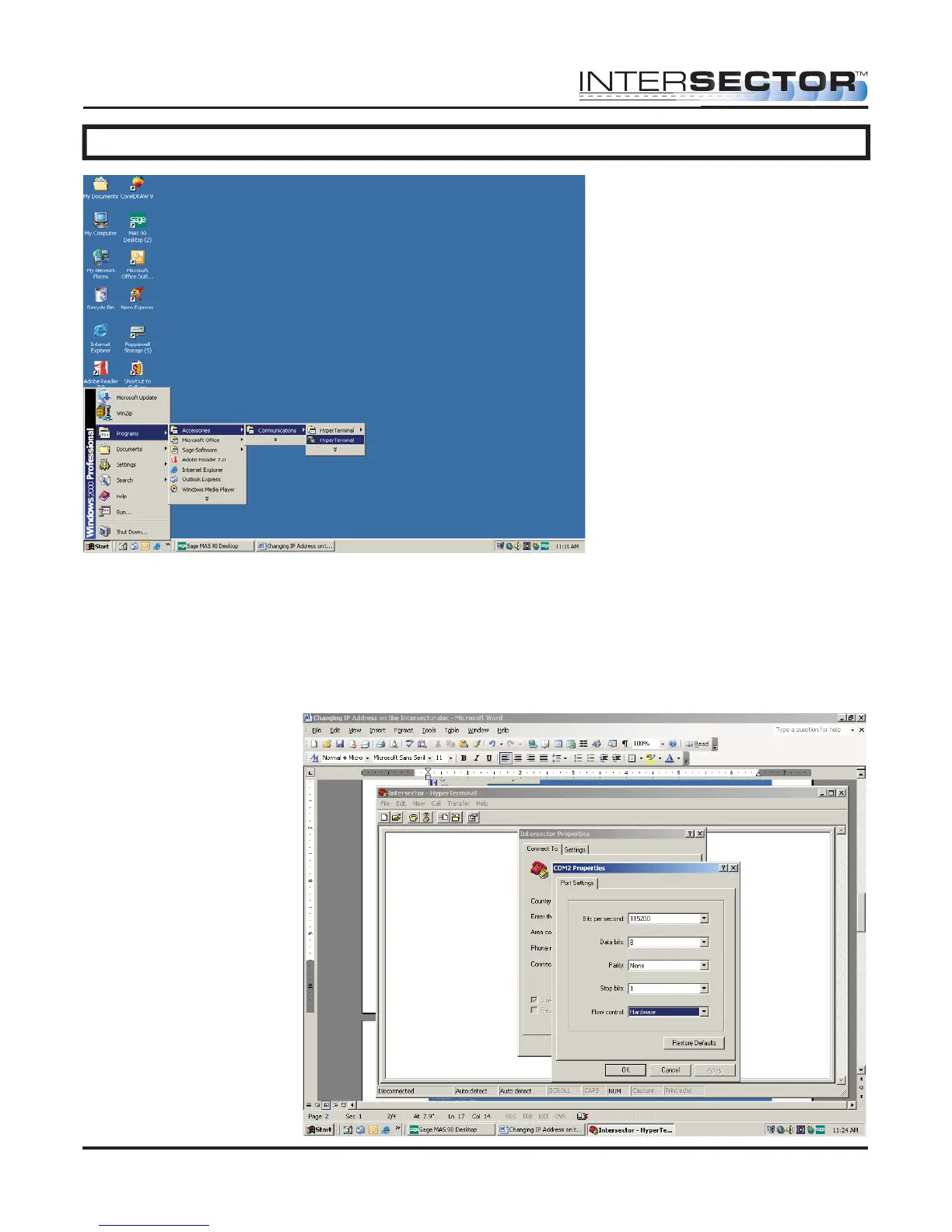
Once you have opened Hyperterminal you must configure it for use with the TCIB or
INTERSECTOR. You can either create a new connection when prompted, or you can
select “File” then “Properties”. Select the COM port the RS232 is connected to on your
laptop and select “Configure”. Enter the following settings:
Bits per second: 115200
Data Bits: 8
Parity: None
Stop Bits: 1
INTERSECTOR
Microwave Motion and
Presence Sensor Installation Instructions
MS Sedco INTERSECTOR Installation Instructions Page 25 INTERSECTOR-1.9Uv092717



 To Next Page