CHANGING THE INTERSECTOR IP ADDRESS (cont.)
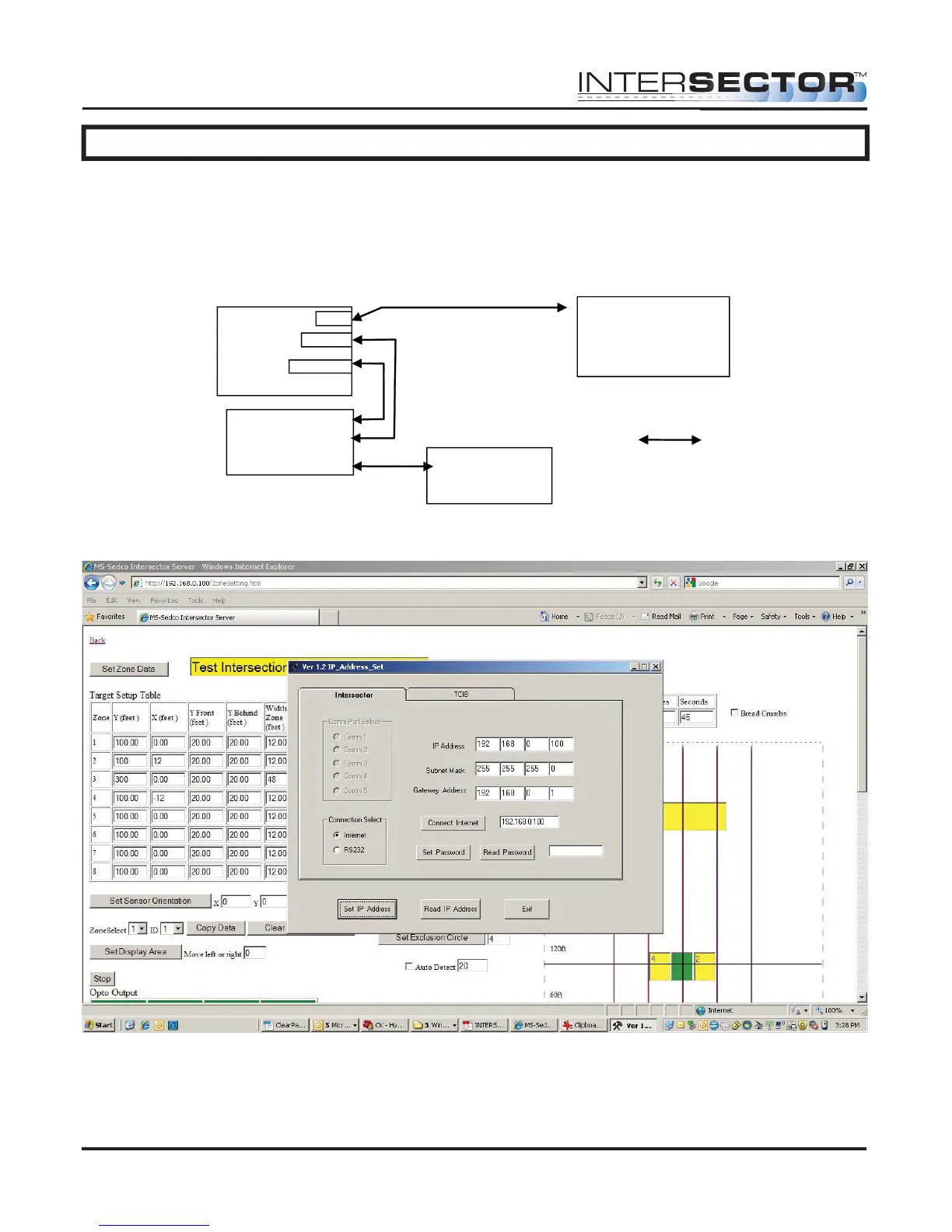
To set the IP Address on the INTERSECTOR, connect the laptop to the laptop port of
TCIB and the INTERSECTOR to “Setup” port of the TCIB, both via Ethernet cables. You
can also connect to the INTERSECTOR via Ethernet switch or hub. The INTERSECTOR
should be connected to the TCIB “Setup” port, and the TCIB “Operational” port should
be connected to the Ethernet switch or hub.
Run IP_Address_Set. You should see the following screen:
INTERSECTOR
Microwave Motion and
Presence Sensor Installation Instructions
MS Sedco INTERSECTOR Installation Instructions Page 29 INTERSECTOR-1.9Uv092717
Ethernet
Switch
TCIB card
CLIENT
Laptop
Ethernet
cables
La
to
Sensor
O
erational
INTERSECTOR
HOST



 To Next Page