APPENDIX C: Windows 7 Set-up
INTERSECTOR Microwave Motion and
Presence Sensor Installation Instructions
MS Sedco INTERSECTOR Installation Instructions Page Appendix C INTERSECTOR-1.9Uv092717
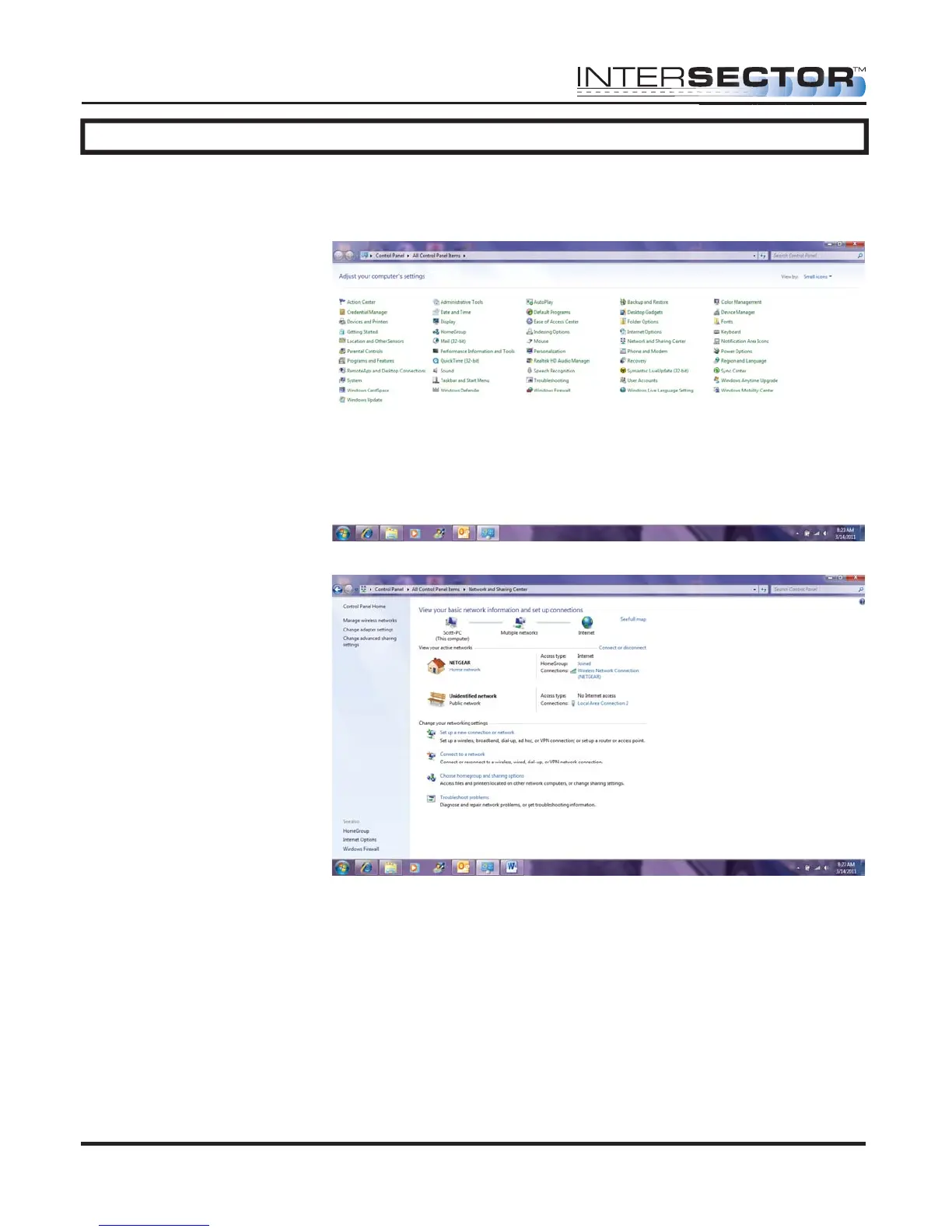
To complete Windows 7 Set-up, follow these steps:
• Select “Start” in the lower left corner of Windows 7.
• Select “Control Panel”.
• Select “Network and
Sharing Center”.
• Select “Change
Adaptor Settings”.



 To Next Page