INTERSECTOR Microwave Motion and
Presence Sensor Installation Instructions
EXPLANATION OF CHANGES (CONTINUED)
Automated OZP
In previous versions of INTERSECTOR software, a timer called Delay Before Max (DBM)
is assigned to a vehicle once it stops moving. The stopped vehicle is held in its last
reported position until its DBM timer expires, or the vehicle moves. If a vehicle stops in
the zone, the DBM timer will begin counting down. Should this same vehicle move, the
DBM timer will reset to its original max value. If the vehicle stops again, the DBM timer
would begin counting down again. In addition to DBM, the INTERSECTOR utilizes a
second timer, Occlusion Zone Protection (OZP), that is applied to the last vehicle in a
zone, when its DBM timer has expired or it disappears from detection due to occlusion.
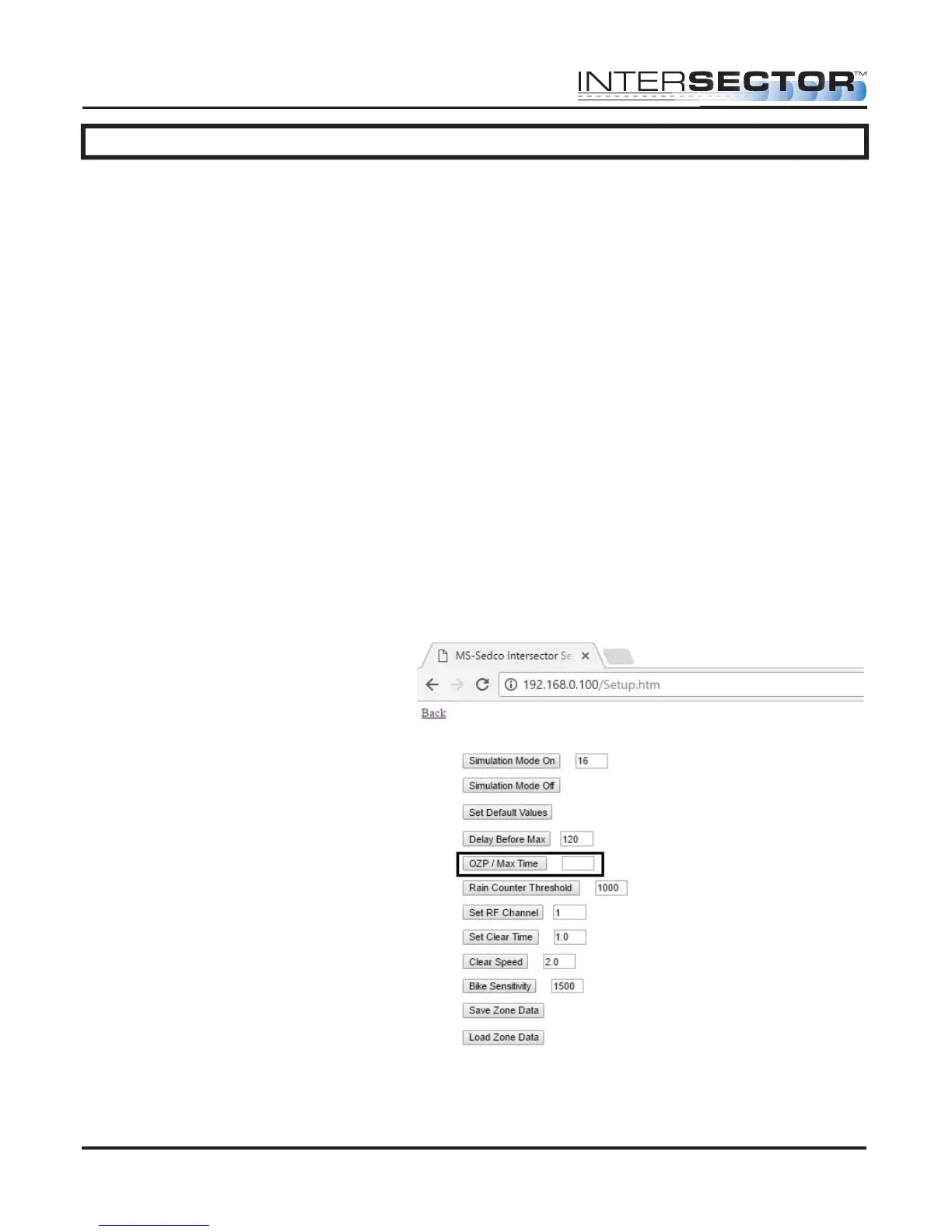
In the 1.9U version of INTERSECTOR software, the user can change how stopped or
occluded vehicles are processed. By clearing the OZP / Max Time value on the Setup
page, if an OZP event happens (vehicle is occluded) to the last vehicle in a zone, the
remaining time on the DBM timer for the vehicle is assigned to OZP and the vehicle is
held at its last position until time expires, or the vehicle begins moving again. The
default value for DBM is 120, and the default value for OZP / Max Time is null (no value).
If a value is entered in the OZP/Max Time field, the unit will operate as it did in previous
software versions.
Figure 4
MS Sedco INTERSECTOR Installation Instructions Page Addendum-3 INTERSECTOR-1.9Uv092717



 To Next Page