Page 10
2.3.3 Information screens
Once the power is supplied, the Product automatically transfers to the operation
mode. One of the information screens, which was pre-configured beforehand by a user,
appears on the monitor.
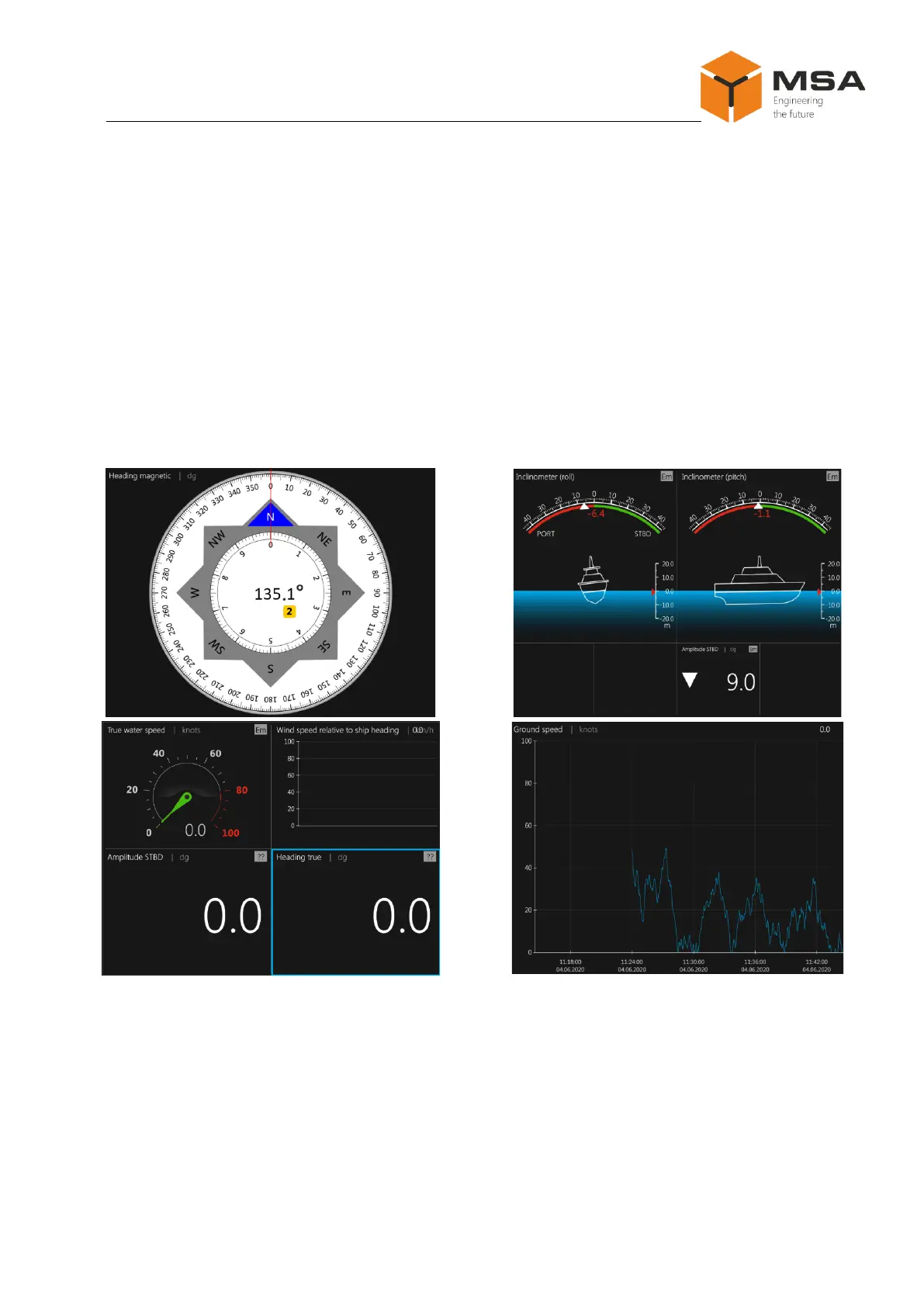
To ensure convenient operation, a user can configure from 1 to 10 information
screens with different combinations of patterns and displayed parameters.
Received data can be displayed in full-screen mode (single parameter displayed
on the whole screen) and in multi-screen mode using a random pattern (simultaneous
output of up to 9 screens with various layout on the monitor).
Several possible screens are represented in Figure 3.
2.3.4 The Product’s operation mode
Once the Product is switched on, it automatically transfers to the operation mode.
One of the information screens, which was pre-configured beforehand by a user, appears
on the monitor.
The following operations are available for a user in the operation mode:
a. switching over from one information screen to another by:



 To Next Page