Notes
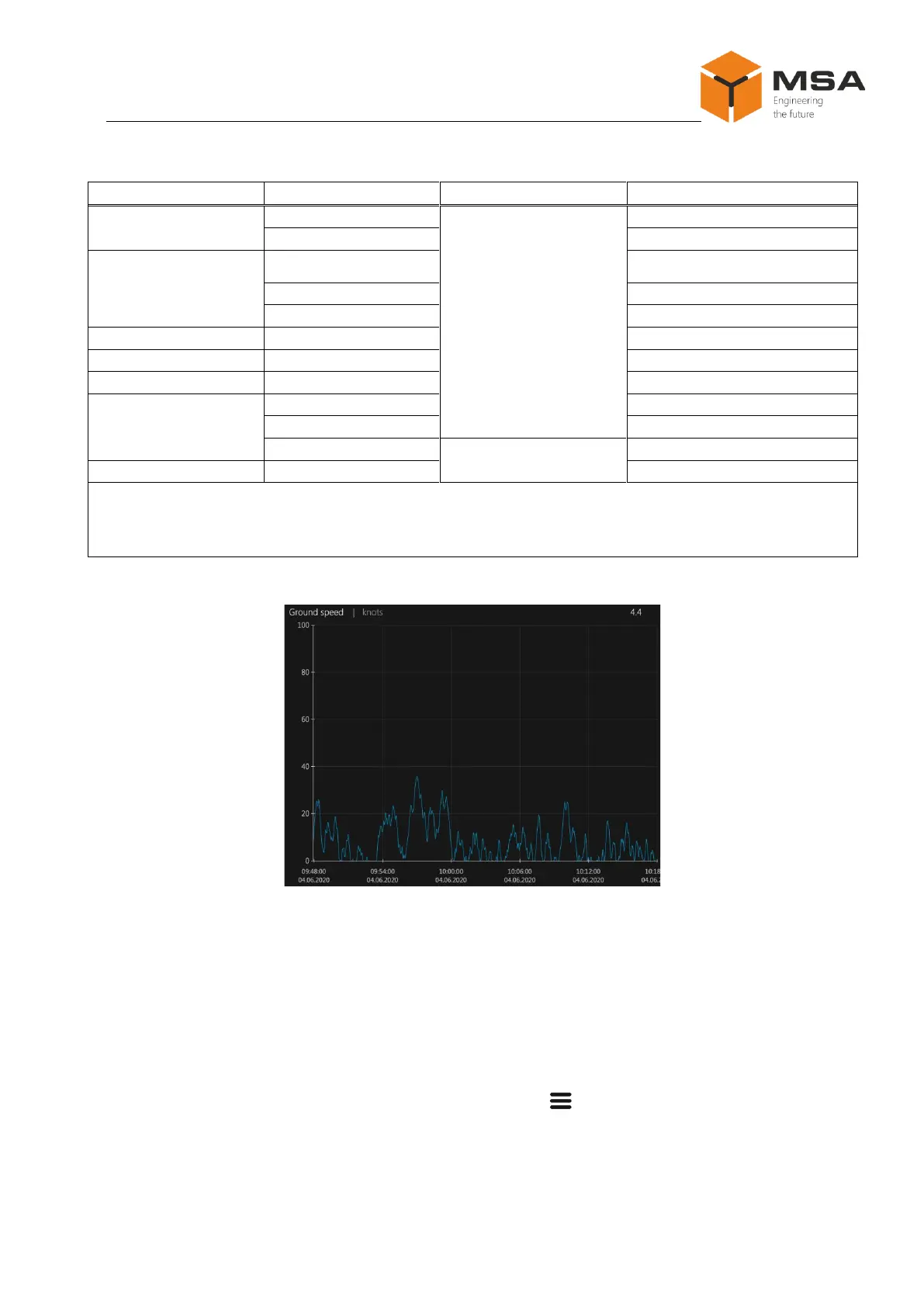
1 Data can be displayed in different views.
2 «+» and «-» serve to change scale calibration in the operation mode.
For more information on screen settings in graph mode, see cl. 2.3.12.2.
Figure 8 – Sample of graph
2.3.8 Settings of the parameters
Prior to operation the user shall carry out the relevant settings of the parameters
(data display and reception / transmission).
The Product’s settings are carried out using the LCD touch screen.
To access configuration menu, press button “ ” on the front panel.
2.3.9 Tab page Common
After pressing Menu screen takes the view shown in Figure 9.



 To Next Page