English
User manual
9
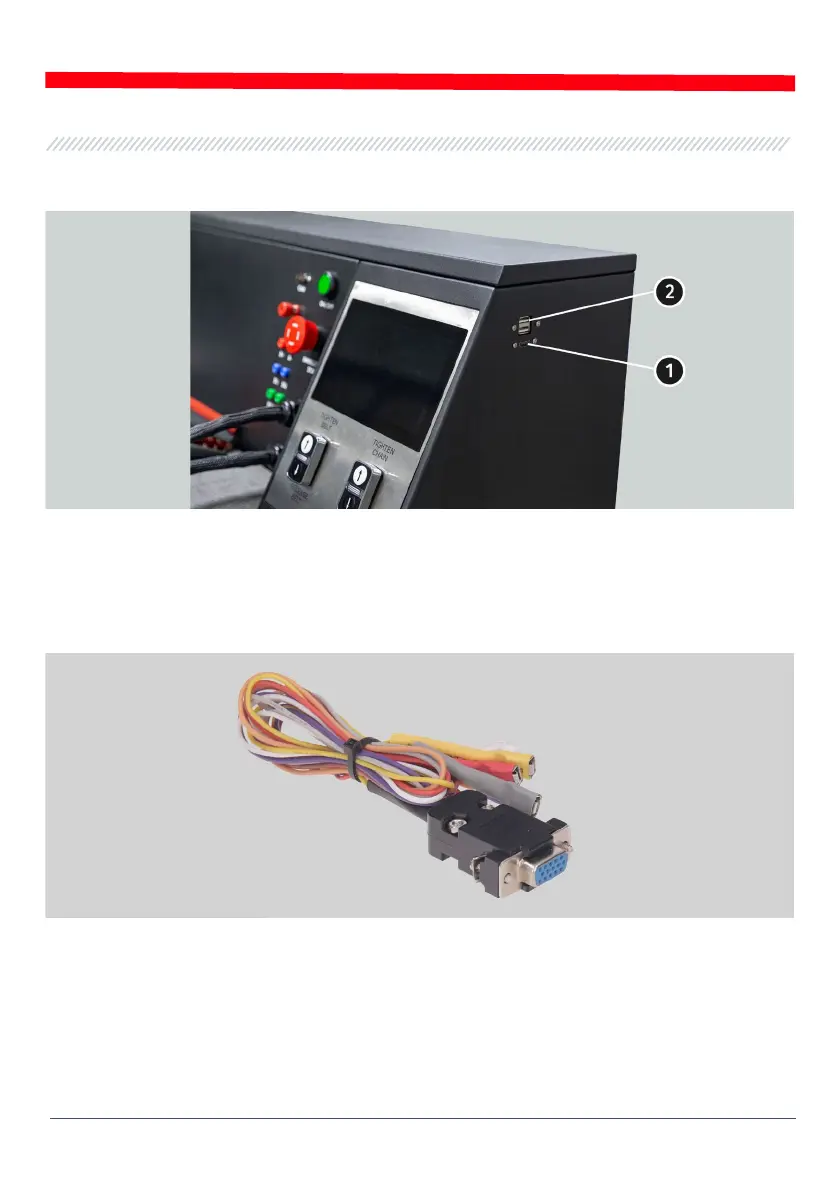
On the right side of the bench are two USB ports for connecting the computer periphery (mouse,
keyboard, WiFi adapter) and one HDMI port for connecting the monitor.
Figure 3. Connectors on the side panel of the bench:
1 – HDMI; 2 – USB
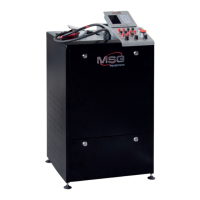
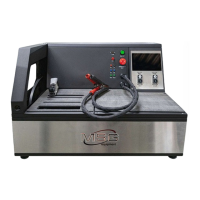
The bench supply slip includes the diagnostic cable (fig. 4) that consists of the adapting wire kit
(fig. 5) - for more convenient connection to alternator connection terminals or relay regulator.
Figure 4. Diagnostic cable MS-33001
The diagnostic cable MS-33001 has the following adapting wire colour codes (see also Table 1):
• Orange - S (Sense Pin) - the terminal that enables the measuring of the storage battery voltage
by the voltage regulator as well as it compares the storage battery voltage with the alternator
output voltage. This adapting cable is connected to terminal S;
• Red – IG (Ignition) – the terminal is used for the connection of the ignition circuit, the
terminals: 15, A, IG;


 To Next Page