2-13
Hardware Setup
Audio Port Connectors
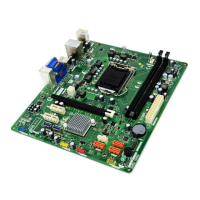
Line Out is a connector for Speakers or Headphones. Line In is used
for external CD player, Tape player, or other audio devices. Mic is a connec-
tor for microphones.
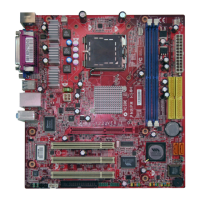
Line-out
(subwoofer speaker)
Line-out
(rear speakers)
Line-out
(front speaker)
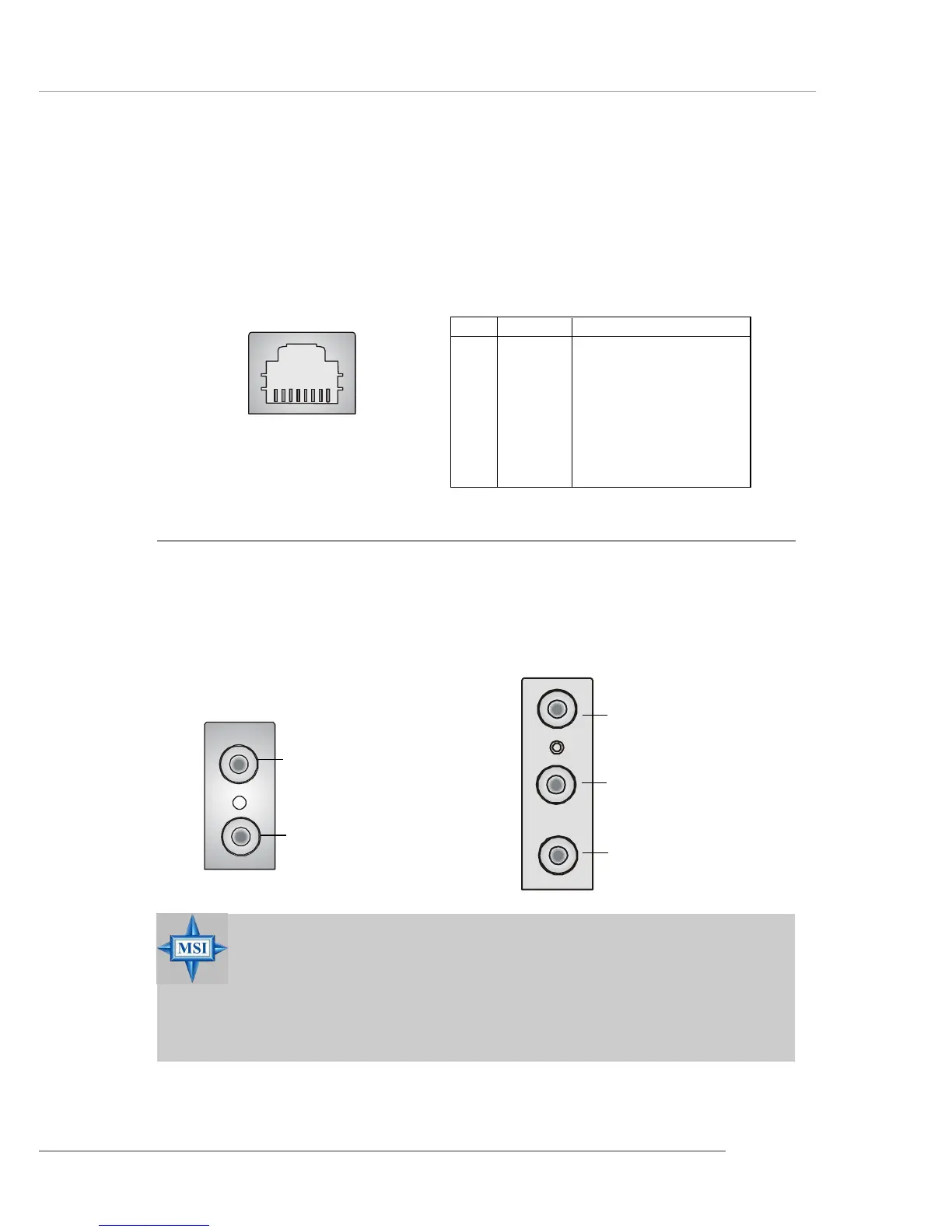
RJ-45 LAN Jack (Optional)
The mainboard provides a RJ-45 connector that allows your computer
to be connected to a network environment.
LAN Jack
(RJ-45)
Pin Signal Description
1 TDP Transmit differential pair
2 TDN Transmit differential pair
3 RDP Receive differential pair
4 NC Not used
5 NC Not used
6 RDN Receive differential pair
7 NC Not used
8 NC Not used
MIC
Line-in
MSI Reminds You...
For advanced audio application, RealTek ALC650 audio chip
is provided as an option to offer support for 6-channel audio
operation and can turn rear audio connectors from 2-channel
to 4-/6-channel audio.


 To Next Page