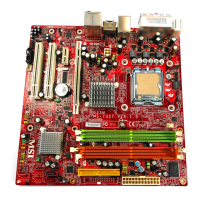
MS-7380 Mainboard
C-10
Rebuilding a Mirror drive
When one of the disk in a RAID 1 (Mirror) configuration is unplugged from the
system, then plugged in again, a dialogue box appears to ask you to rebuild the
Mirror drive. Press <Y> to confirm; otherwise, press <N>.
This option allows you to rebuild the Mirror drive later and synchronize the data
between two hard disks.
To rebuild a Mirror drive:
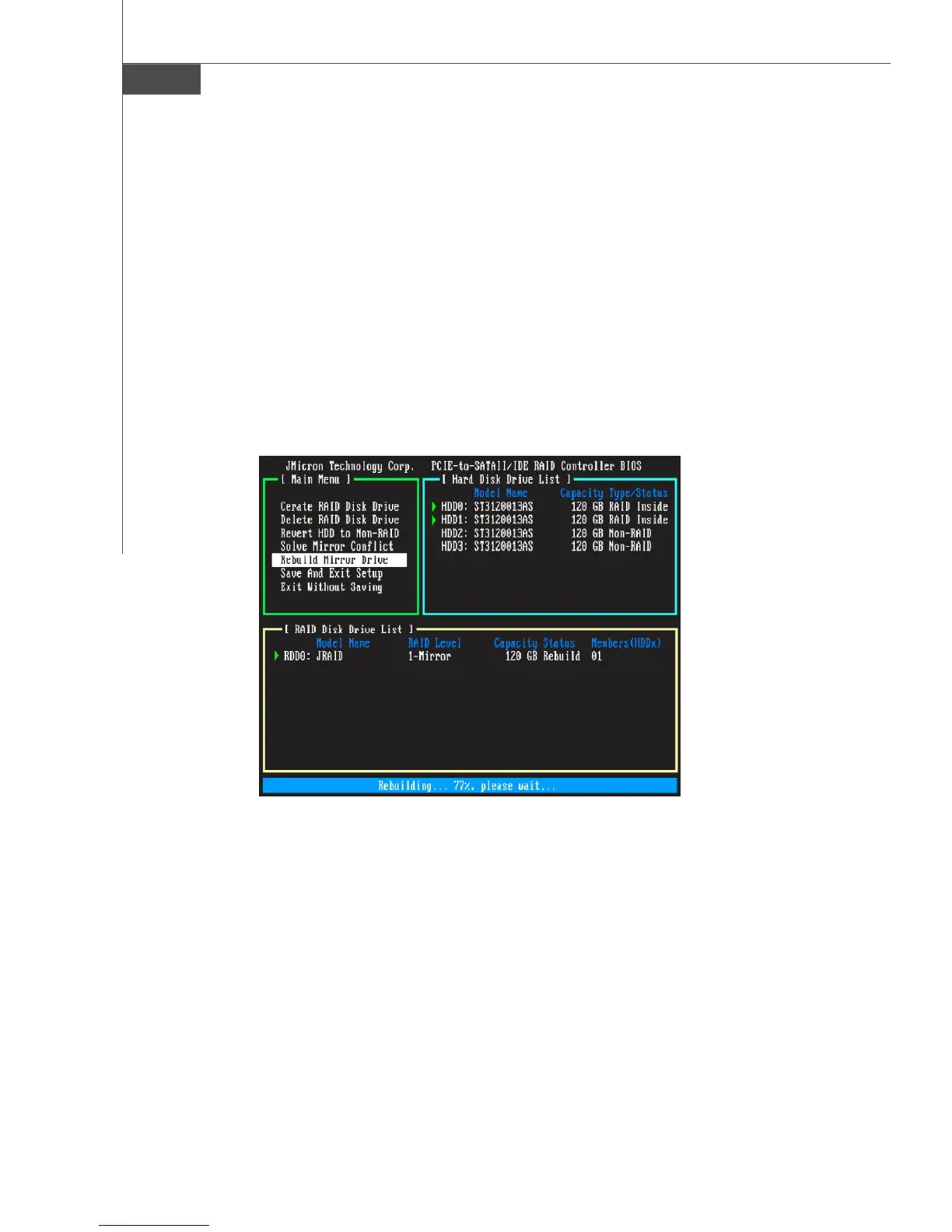
Select Rebuild Mirror Drive and press <Enter>. Using the <TAB>, move to the RAID
Disk Drive List menu and highlight the RAID set that you want to rebuild. Press <Del>
to begin rebuilding the Mirror configuration.
A status bar at the bottom of the screen shows the progress of the rebuilding.


 To Next Page