C-2
MS-7530 Mainboard
Activating Dual Core Center
Once you have your Dual Core Center installed (locate the setup source file in the
setup CD accompanying with your mainboard, path: Utility --> MSI --> Dual Core
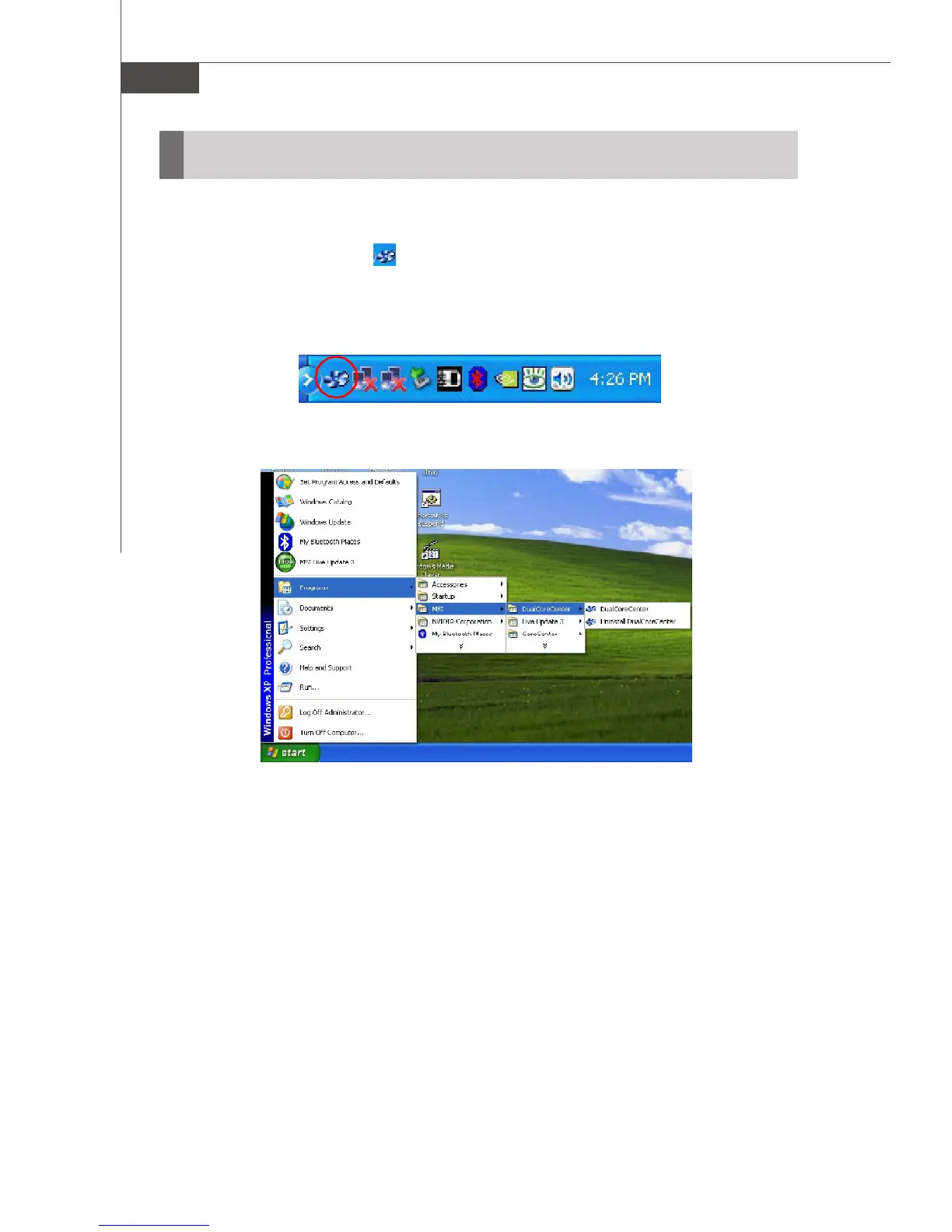
Center), it will have an icon in the system tray, a short cut icon on the desktop,
and a short cut path in your “Start-up” menu. You may double-click on each icon to
enable Dual Core Center.
short-cut icon in the system tray
short-cut path in the start-up menu
(path: Start-->Programs-->MSI-->
DualCoreCenter-->DualCoreCenter)



 To Next Page