2-22
MS-7530 Mainboard
Hybrid SLI Technology
Hybrid SLI technology, based on NVIDIA’s industry-leading SLI technology, delivers
multi-GPU benefits when an NVIDIA mainboard GPU is combined with an NVIDIA
discrete GPU.
System Request
1. Hybrid SLI is only supported with the Vista operating system.
2. For best GeForce Boost performance, the following minimum system configuration
is recommended:
- AMD Phenom CPU or Intel CPU running at FSB 1333 MHz or higher
- 2 x 1 GB of DDR2-800 or higher DRAM
- Discrete GPU recommended for GeForce Boost
- At least 256 MB of framebuffer carve out for the mainboard GPU. Please select
256 MB in VGA Share Memory field of Advanced BIOS Features in BIOS.
Important
Hybrid SLI Enabled Graphics Cards
GeForce Boost HybridPower
GeForce 8500 GT X
GeForce 8400 GS X
More details please refer to http://www.nvidia.com/object/hybrid_sli.html
Enabling Hybrid SLI Technology
Power off the system and install the NVIDIA SLI graphic card that supports Hybrid SLI
technology. After then, power on the system and install the driver of Hybrid SLI
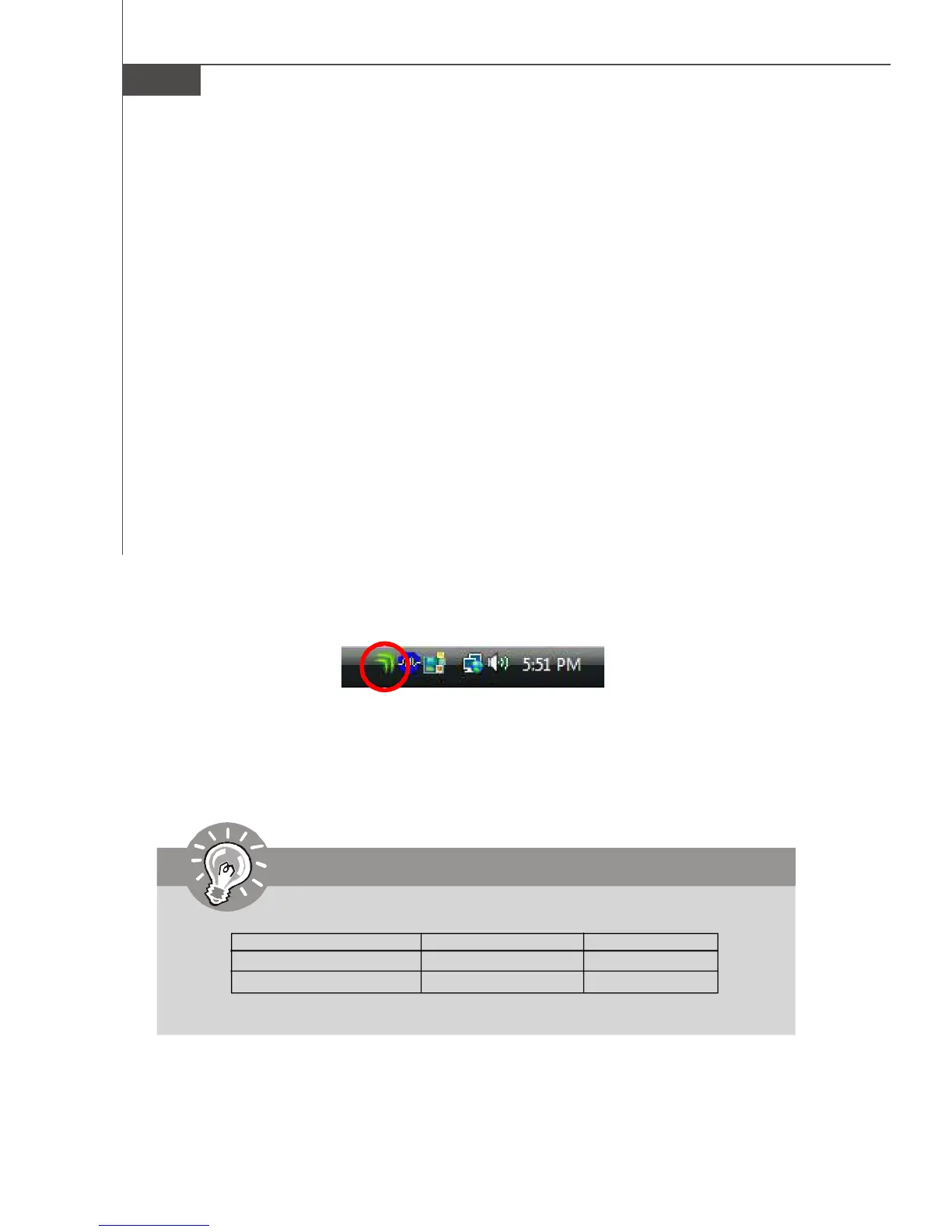
technology. Restart the system and wait for the Hybrid Icon to show in the System
Tray. The hybrid icon indicates that the system is in Performance mode and that
GeForce Boost is enabled. The chipset will share the rendering load with the graphic
card and boost the performance of the graphic card.
Hybrid-Performance Mode - The hybrid mode where the discrete GPU (dGPU)
and mainboard GPU (mGPU) are simultaneously active and working collaboratively to
provide higher performance (GeForce Boost)



 To Next Page