MS-7530 Mainboard
B-8
Installing the NVIDIA MediaShield Software Under Windows
(for Non-bootable RAID Array)
The existing Windows Serial ATA driver must be upgraded to use the NVIDIA Serial
ATA driver.
This section describes how to run the setup application and install the RAID software
which will upgrade the Windows SATA driver and install the RAID software.
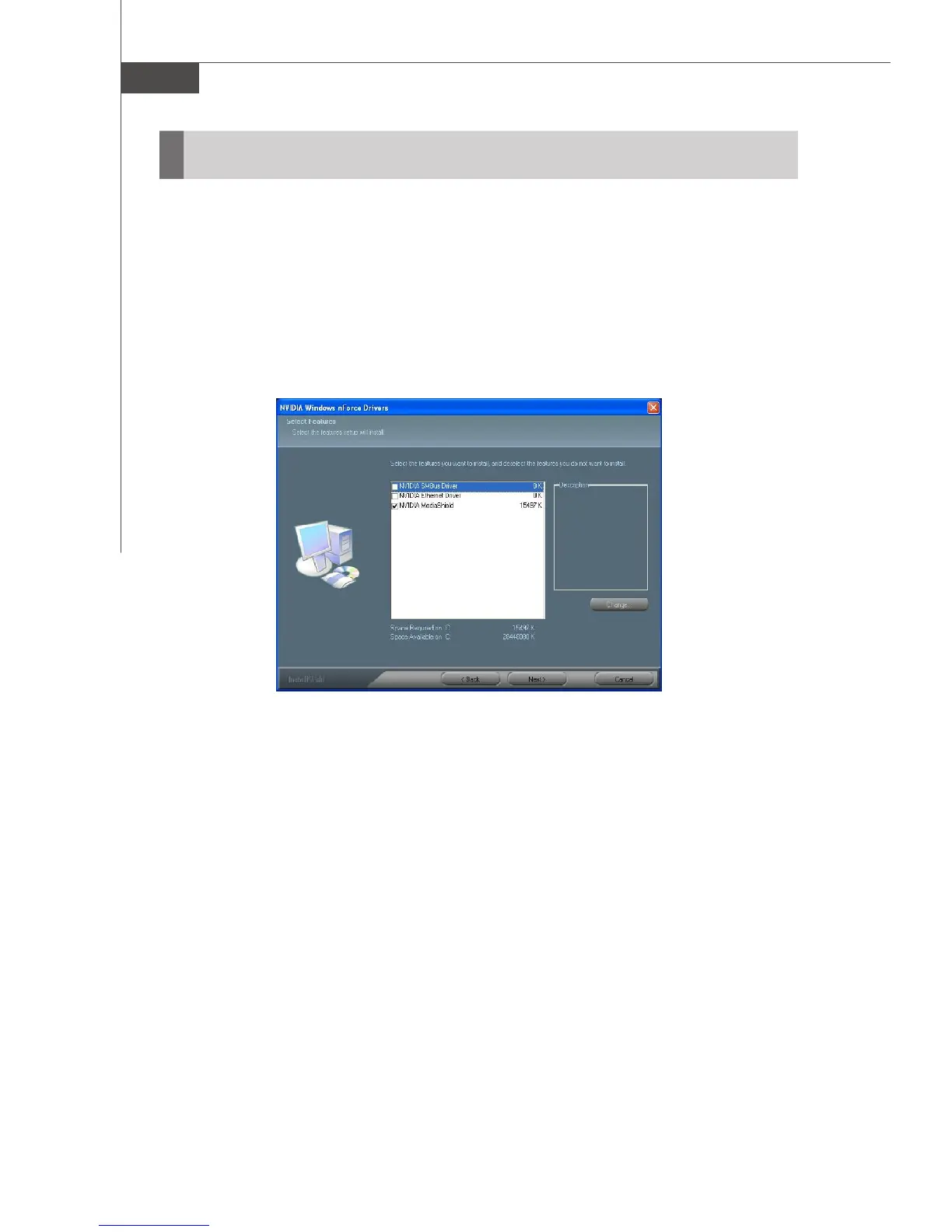
1.Start the NVIDIA nForce Drivers installation program to open the NVIDIA Windows
nForce Drivers page.
2.Select the NVIDIA MediaShield.
3.Click Next and then follow the instructions.
4.After the installation is completed, be sure to reboot the PC.
5.After the reboot, initialize the newly created array.
NVIDIA RAID Utility Installation



 To Next Page