3-23
BIOS Setup
CPU and Memory Clock Overclocking
The FSB Clock/ Memory Clock & FSB/DRAM ratio are the items for you to overclock
the CPU and the Memory. Please refer to the descriptions of these fields for more
information.
2. At the fourth reboot, BIOS will determine that the previous overclocking is failed
and restore the default settings automatically. Please press any key to boot the
system normally when the following message appears on screen.
Clear CMOS
- Please refer to “chapter 2” for more information about how to clear CMOS data.
Two ways to save your system from failed overclocking...
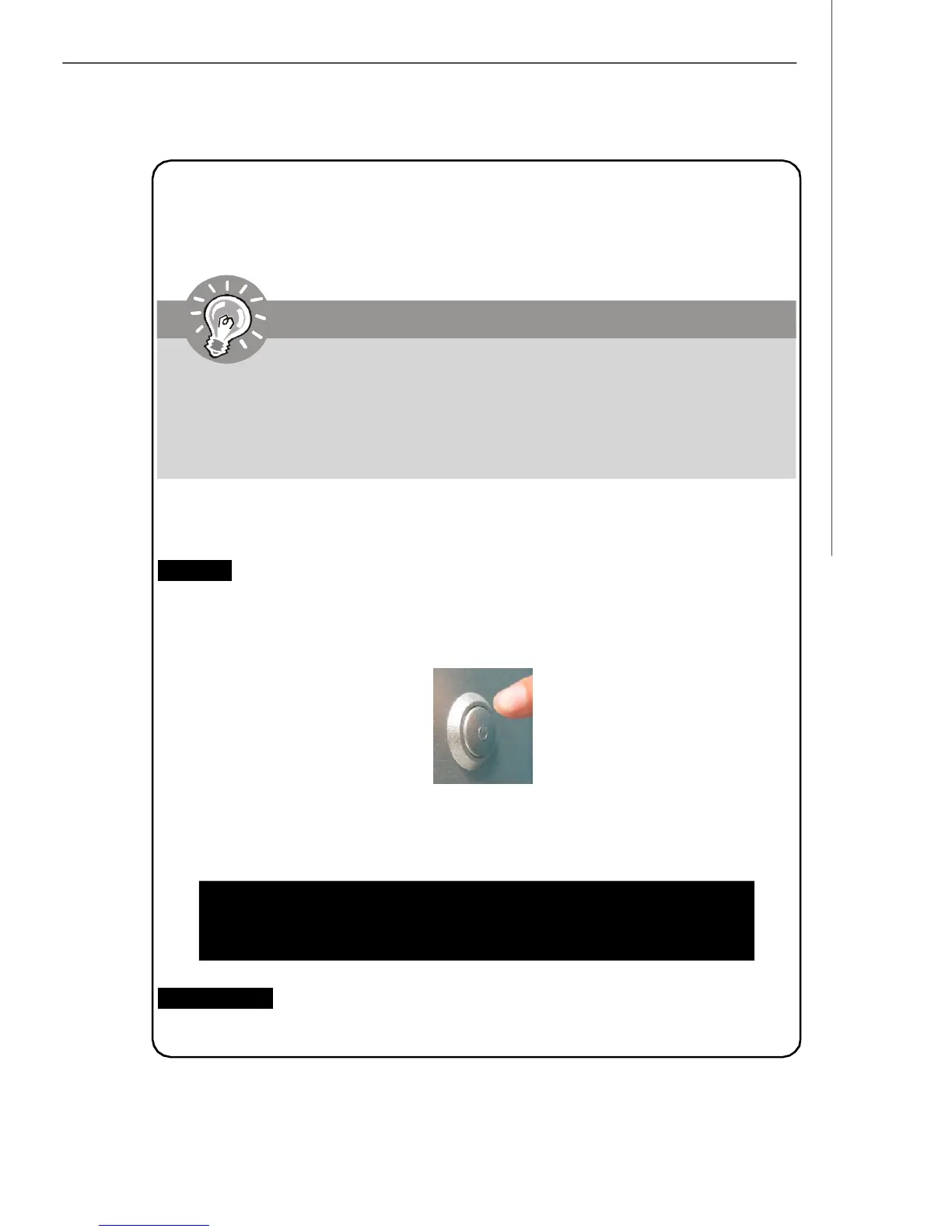
Reboot
1. Press the Power button to reboot the system three times. Please note that, to
avoid electric current to affect other devices or components, we suggest an
interval of more than 10 seconds among the reboot actions.
This motherboard supports overclocking greatly. However, please make
sure your peripherals and components are bearable for some special
settings. Any operation that exceeds product specification is not
recommended. Any risk or damge resulting from improper operation will not
be under our product warranty.
Important
Warning !!! The previous overclocking had failed,
and system will restore its defaults setting,
Press any key to continue.......



 To Next Page